

Xencelabs Pen Display 16 Bundle
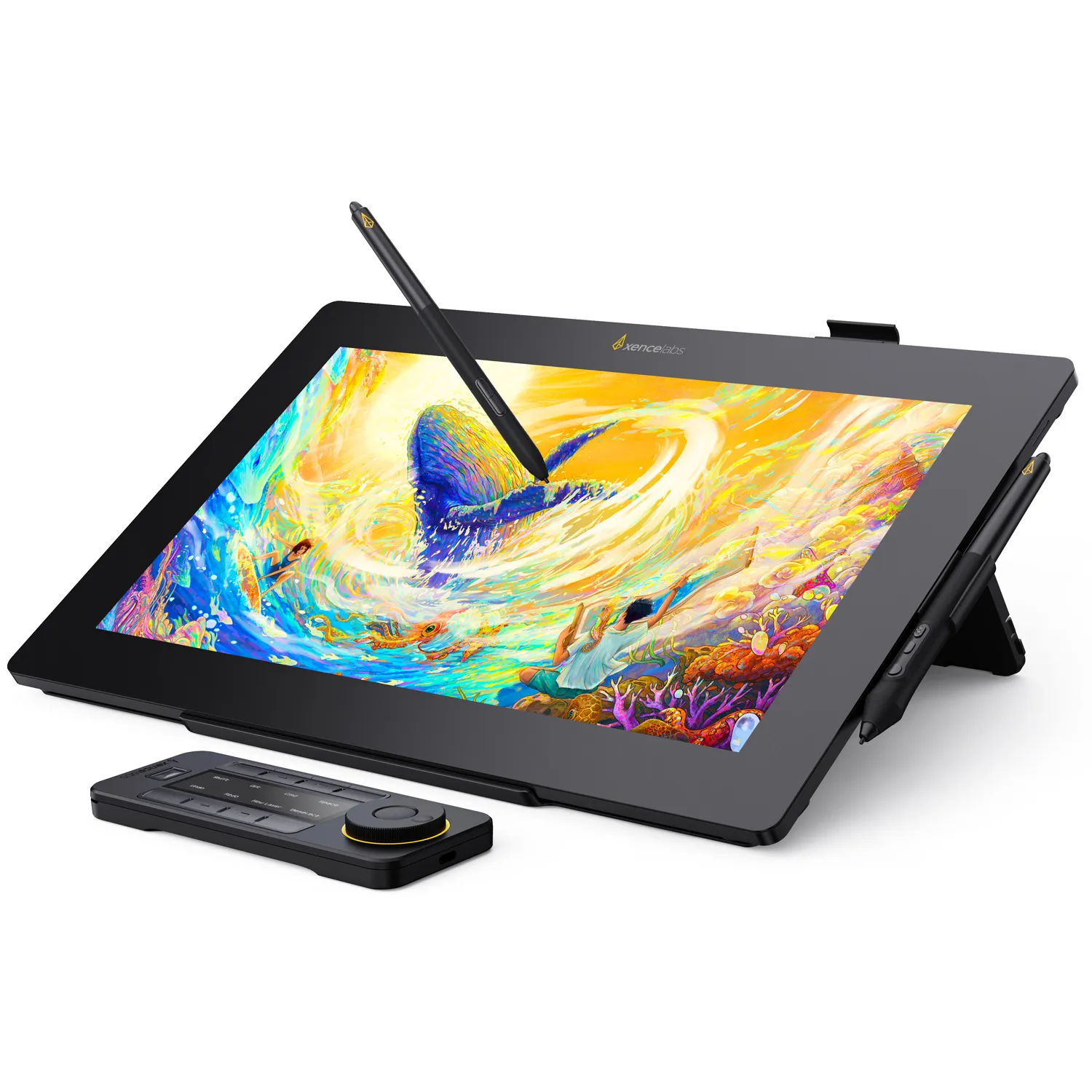
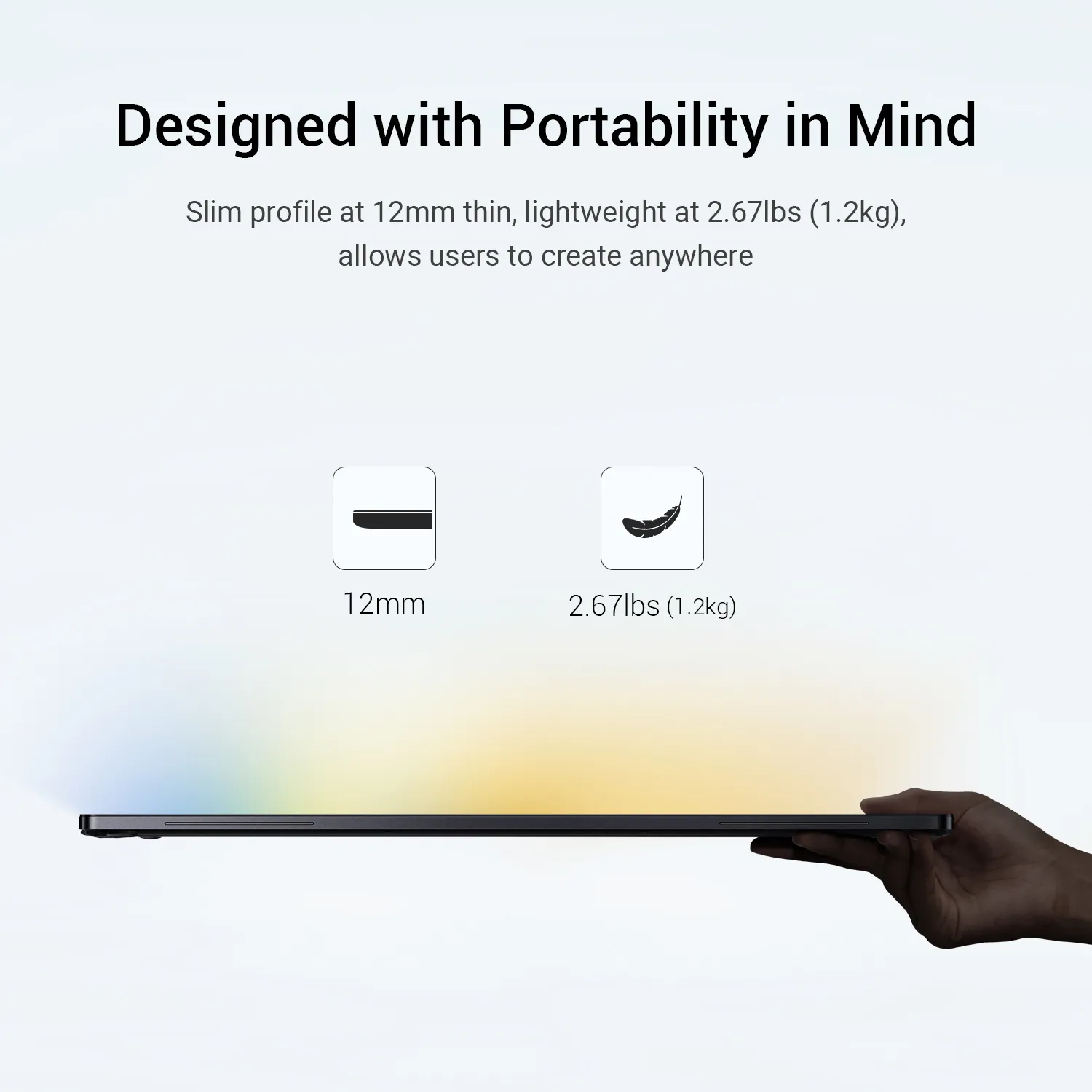
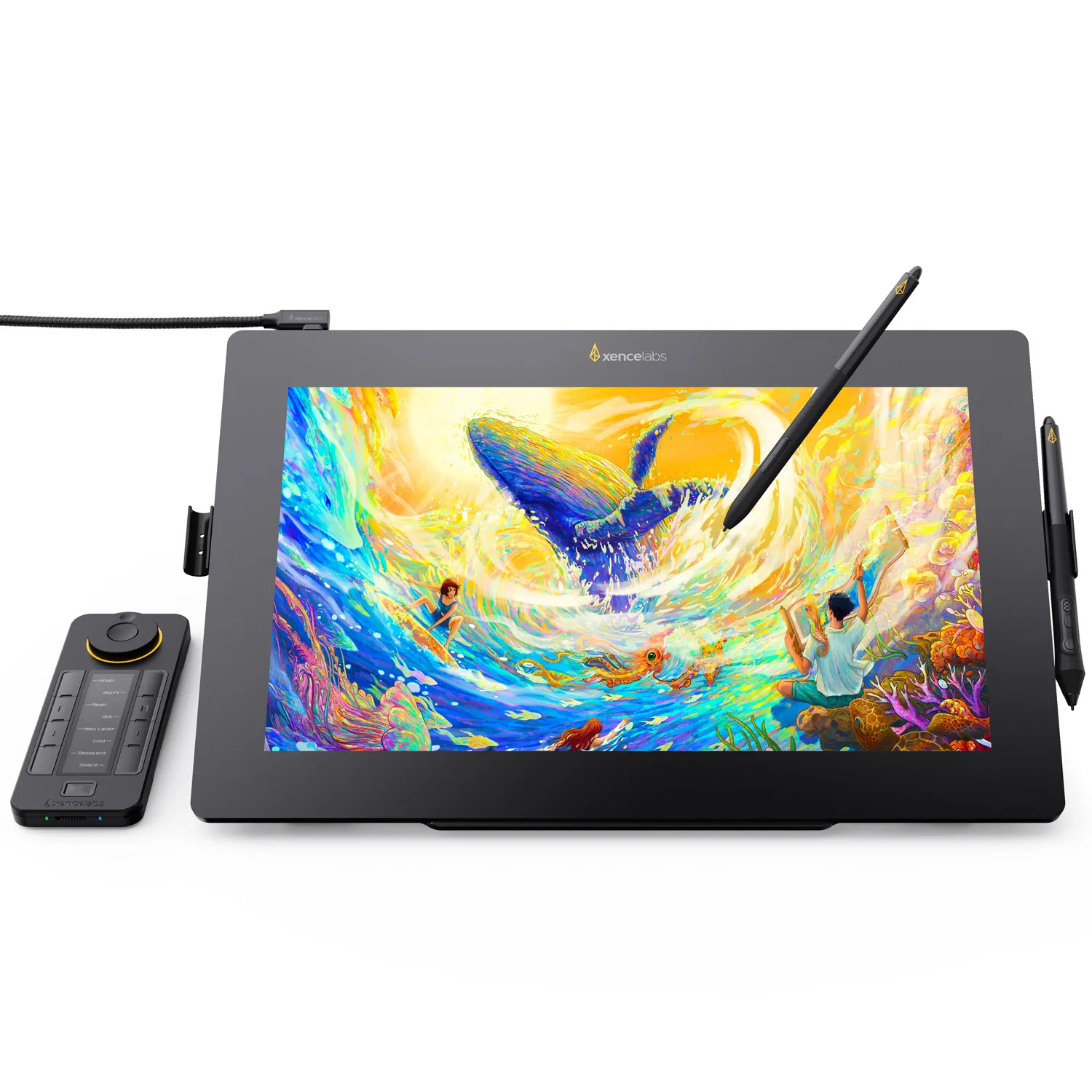
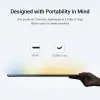
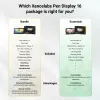
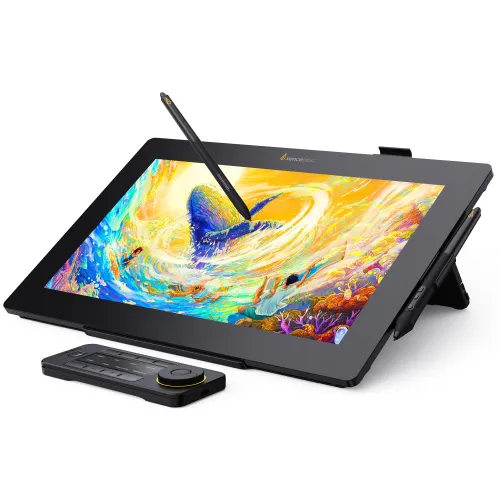
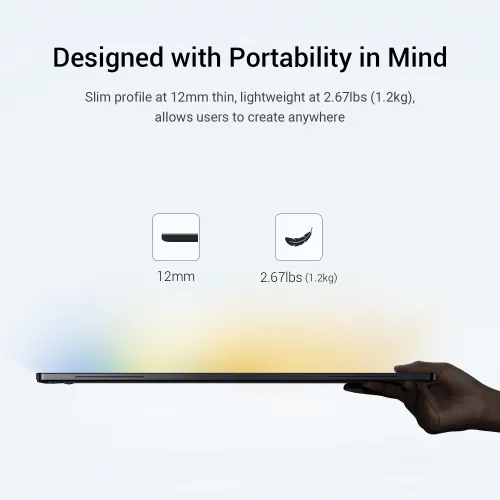
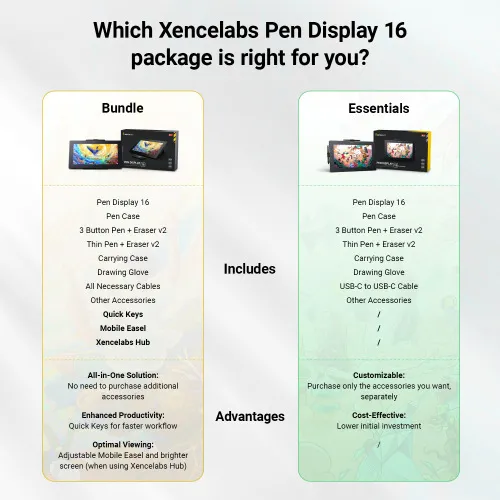
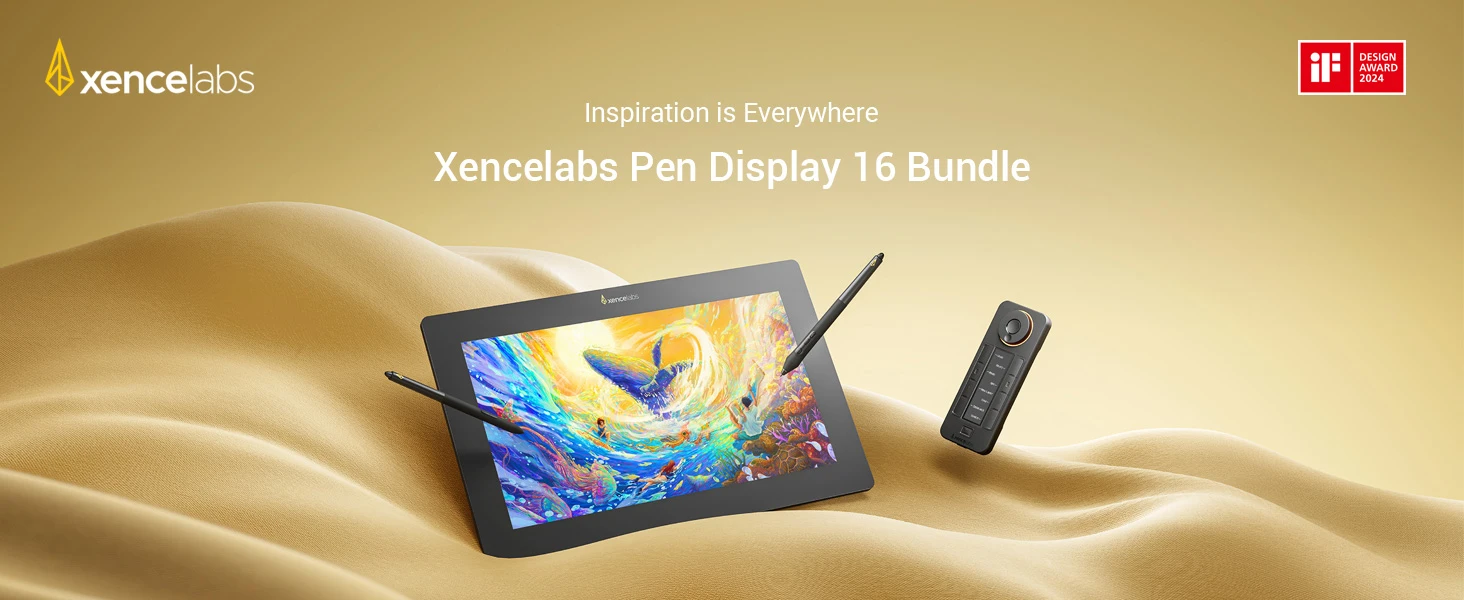
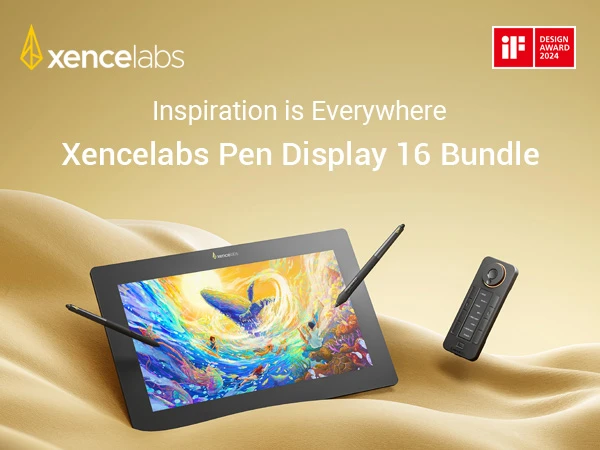
The Xencelabs Pen Display 16 Bundle is a portable 16-inch 4K pen display with a 10-bit OLED screen, delivering rich color and sharp detail for professional creatives. Designed with portability in mind, it connects with a single cable and comes with essential accessories including the Quick Keys, Mobile Easel, and a hub for a complete workflow setup.
Quantity
 Log in and purchase to receive an estimated 1,299 X-Coins


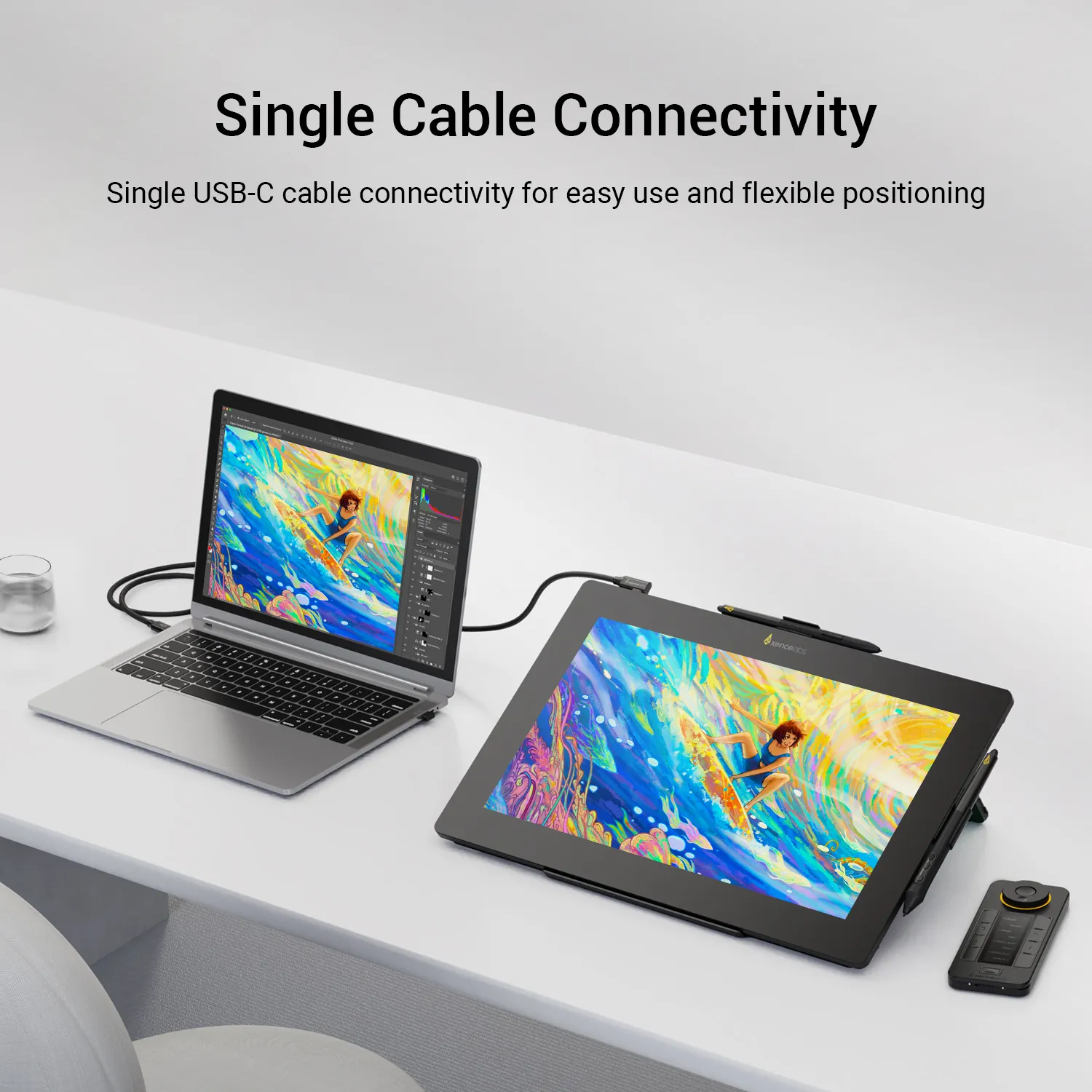
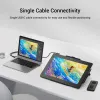
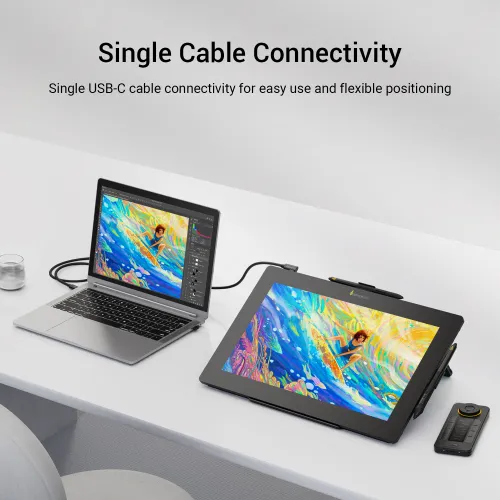
Single Cable USB-C Connectivity
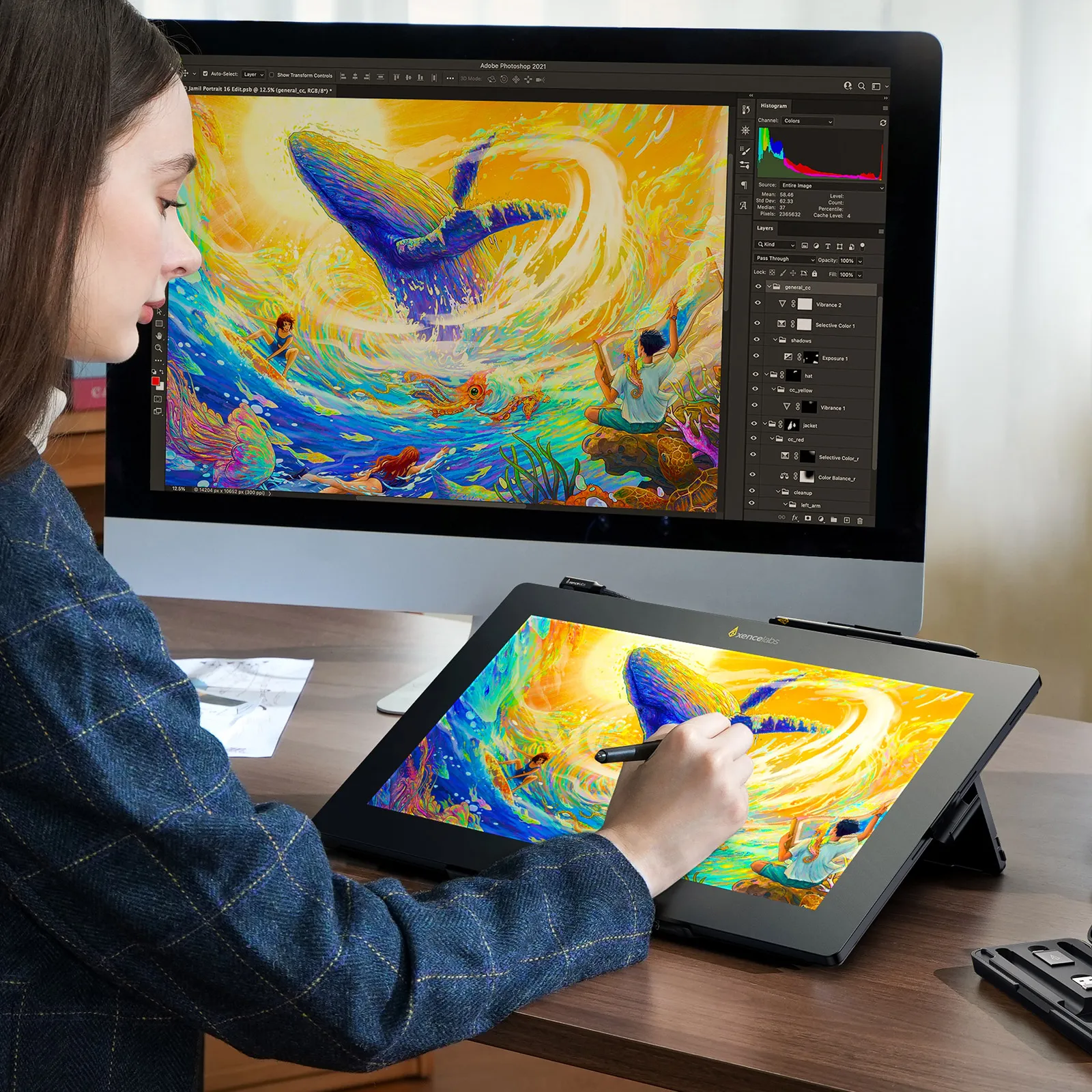
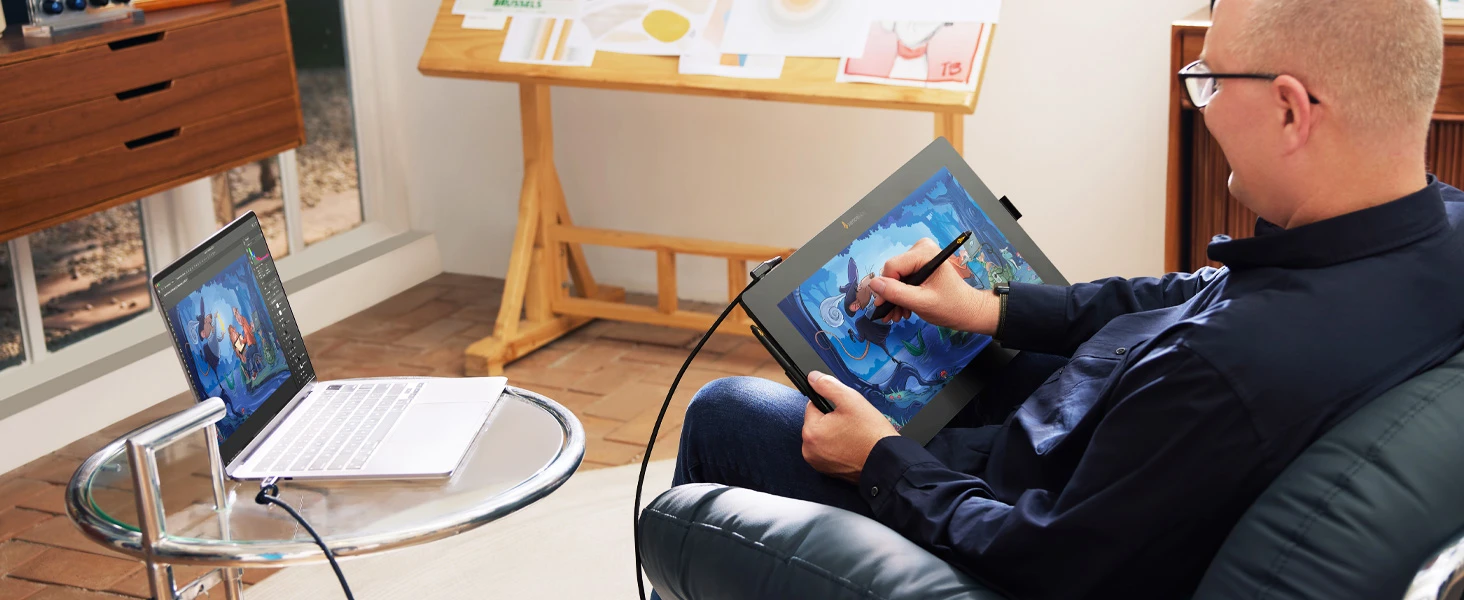
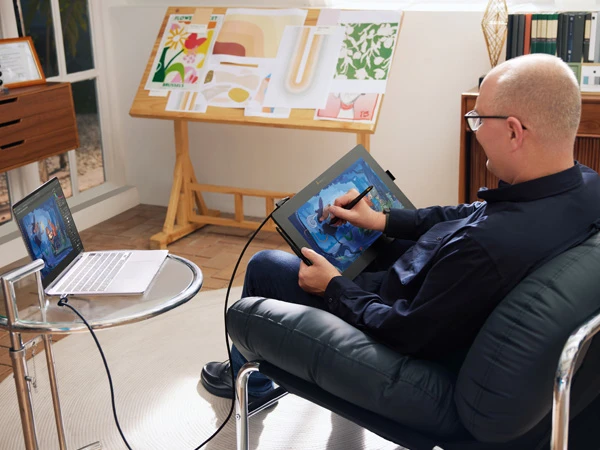
A single USB-C Alt mode enabled cable can link the Pen Display 16 to a computer. This setup offers an uncluttered connection and a comfortable display position, ideal for working on the go.
Inspiration is Everywhere
The included Carrying Case was made to be the perfect on-the-go partner for your Pen Display 16. It holds all included accessories, the pen display, and a small laptop.




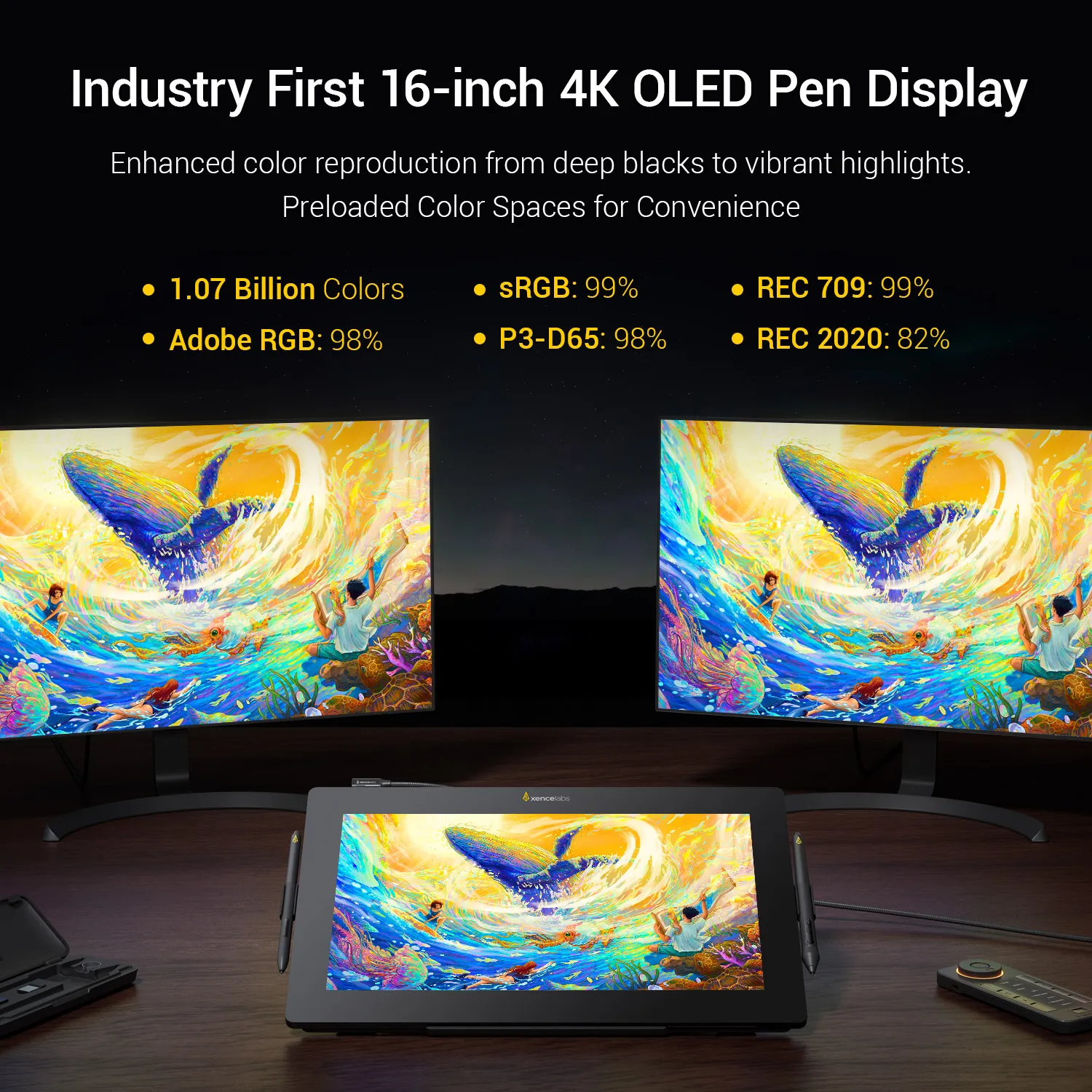
16-inch 4K OLED Pen Display
Preloaded Color Spaces for Convenience
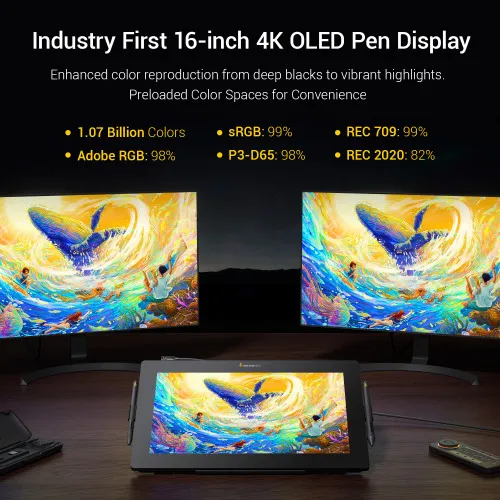
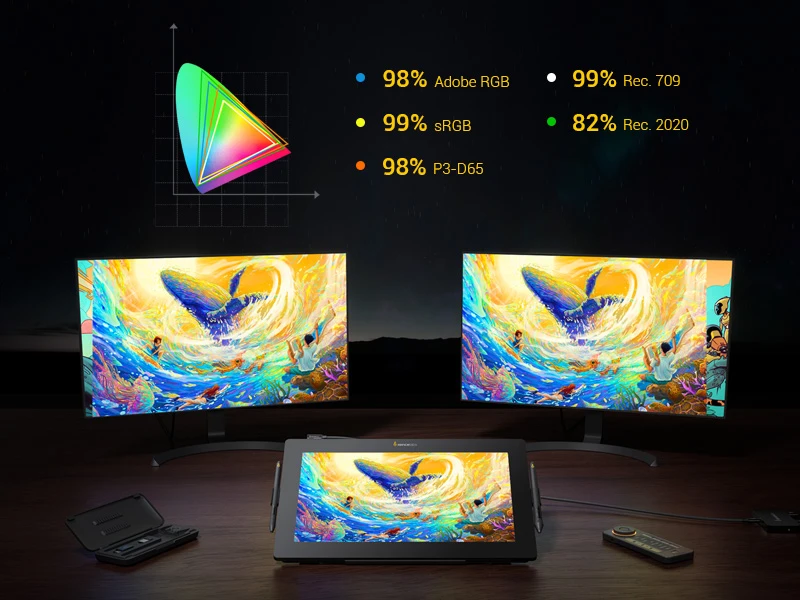
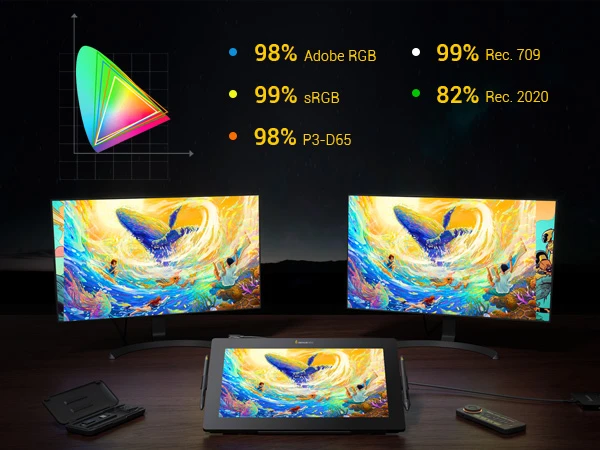
These five common color spaces used across various industries are pre-calibrated in the Pen Display 16: Adobe RGB: 98%, P3-D65: 98%, sRGB: 99%, REC 2020: 82%, REC: 709 99%. This allows you to view your work as intended without requiring color calibration of the display, so you can start creating right out of the box.
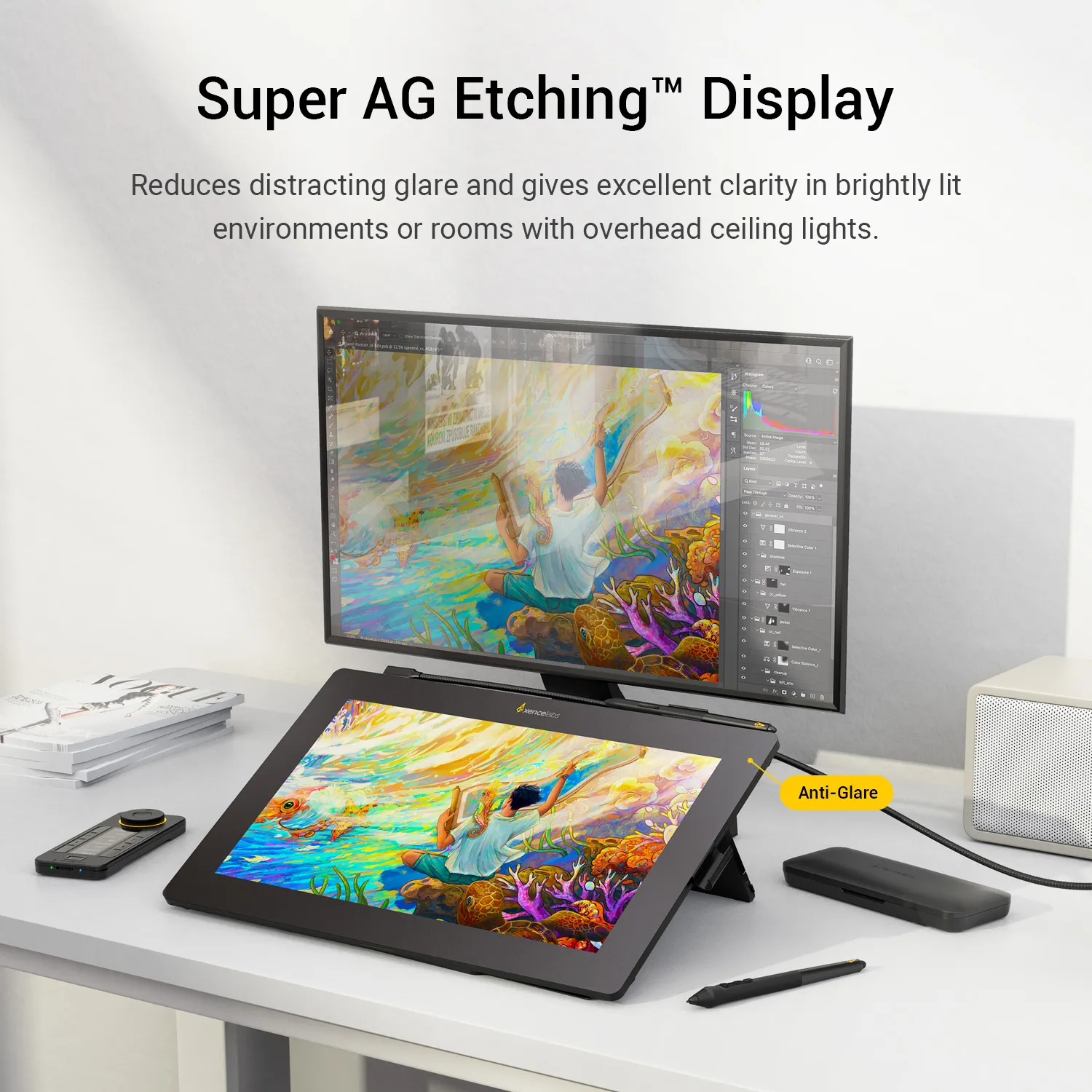
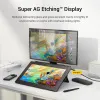
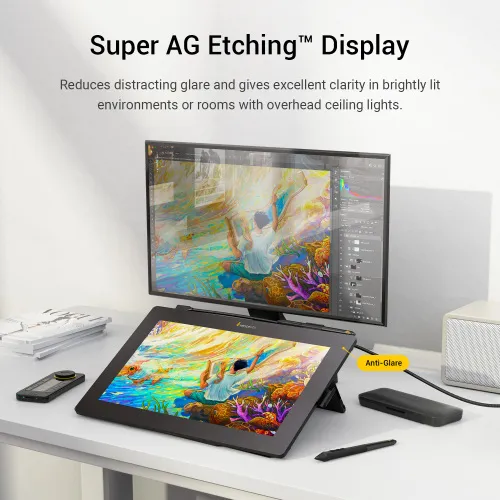
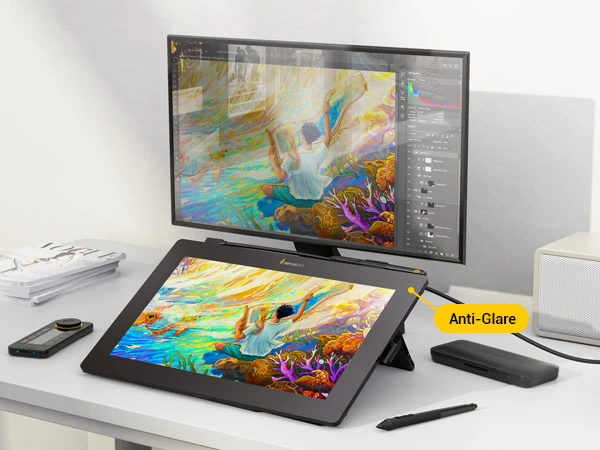
Super AG Etching Display
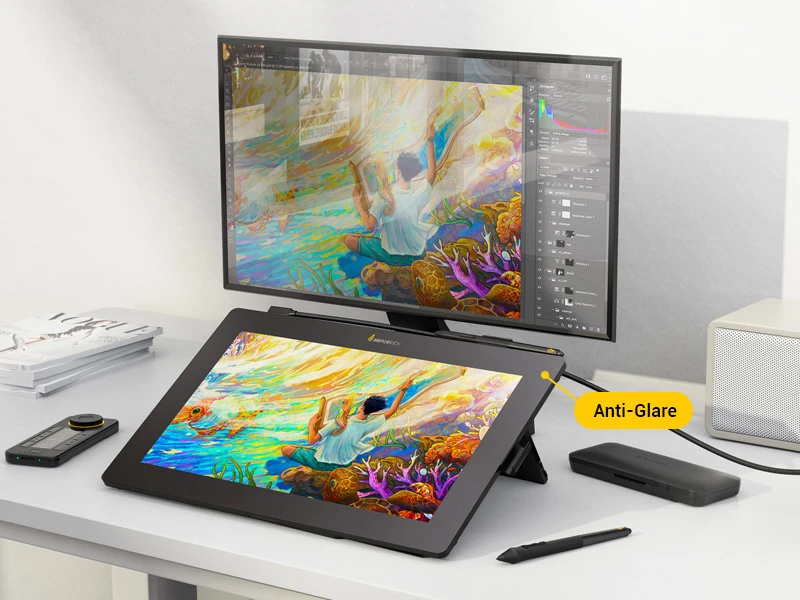
The specially designed display surface, Xencelabs' Super AG Etching Display, significantly reduces distracting glare and gives excellent clarity in brightly lit environments or rooms with overhead ceiling lights, providing a clear and uninterrupted drawing experience.
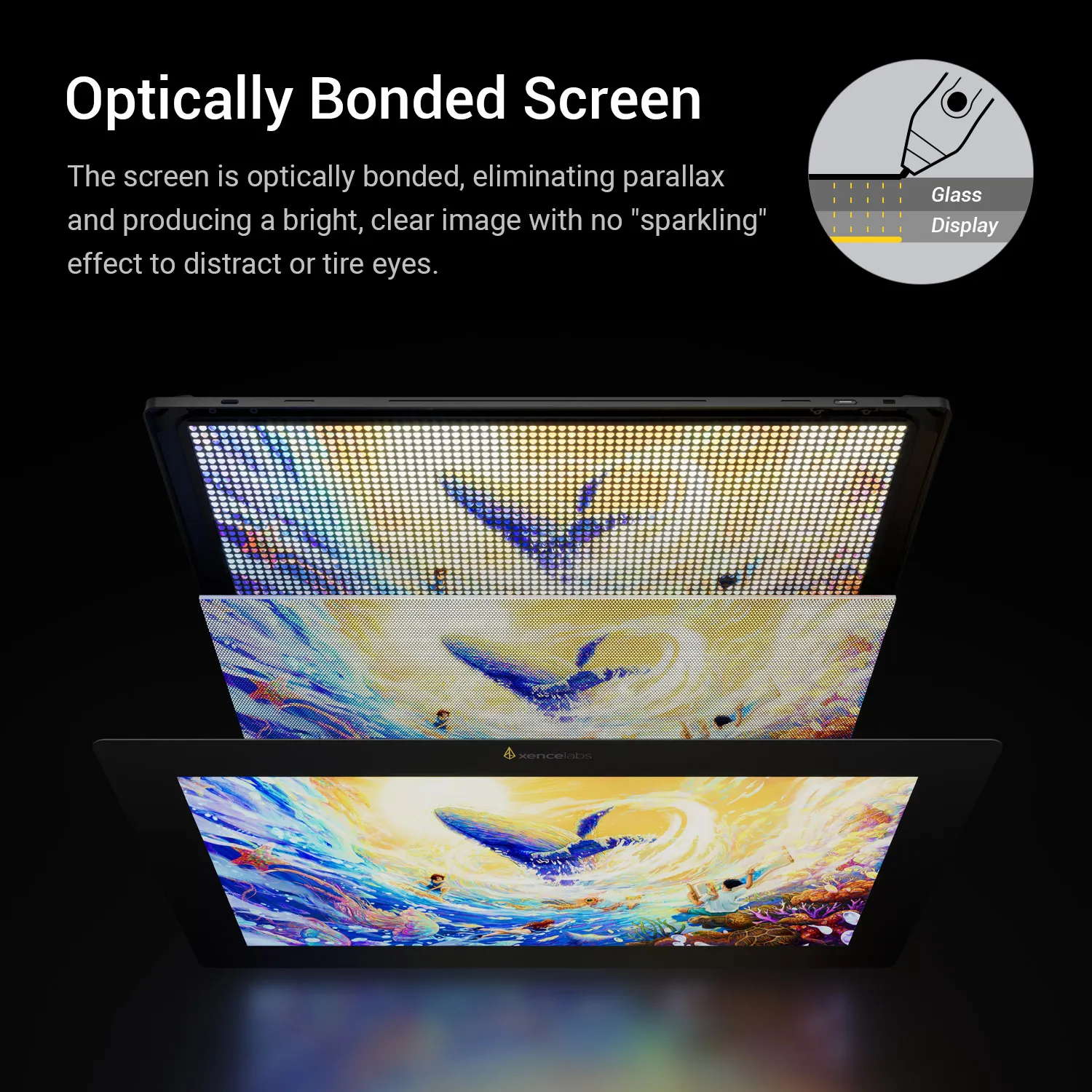
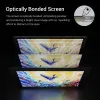
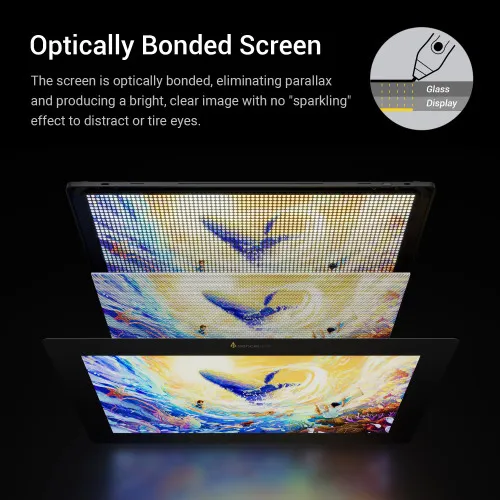
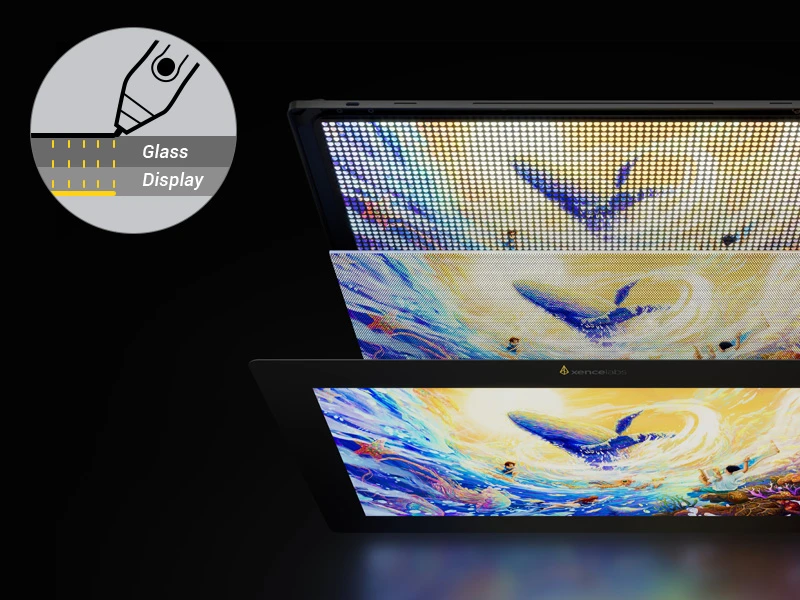
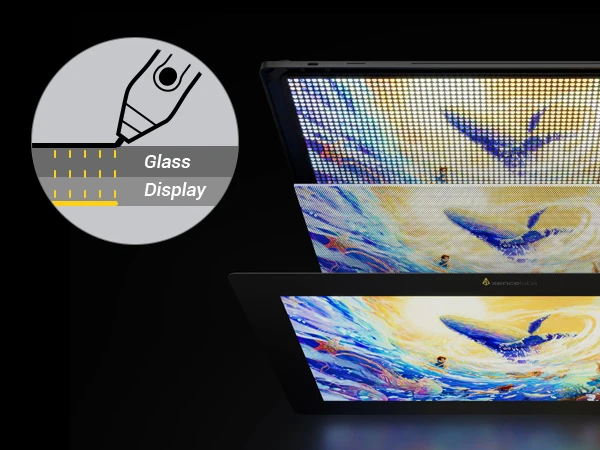
Optically Bonded Screen
The screen of the Pen Display 16 is optically bonded, eliminating parallax and producing a bright, clear image with no "sparkling" effect to distract or tire eyes.
Studio Quality Drawing Experience
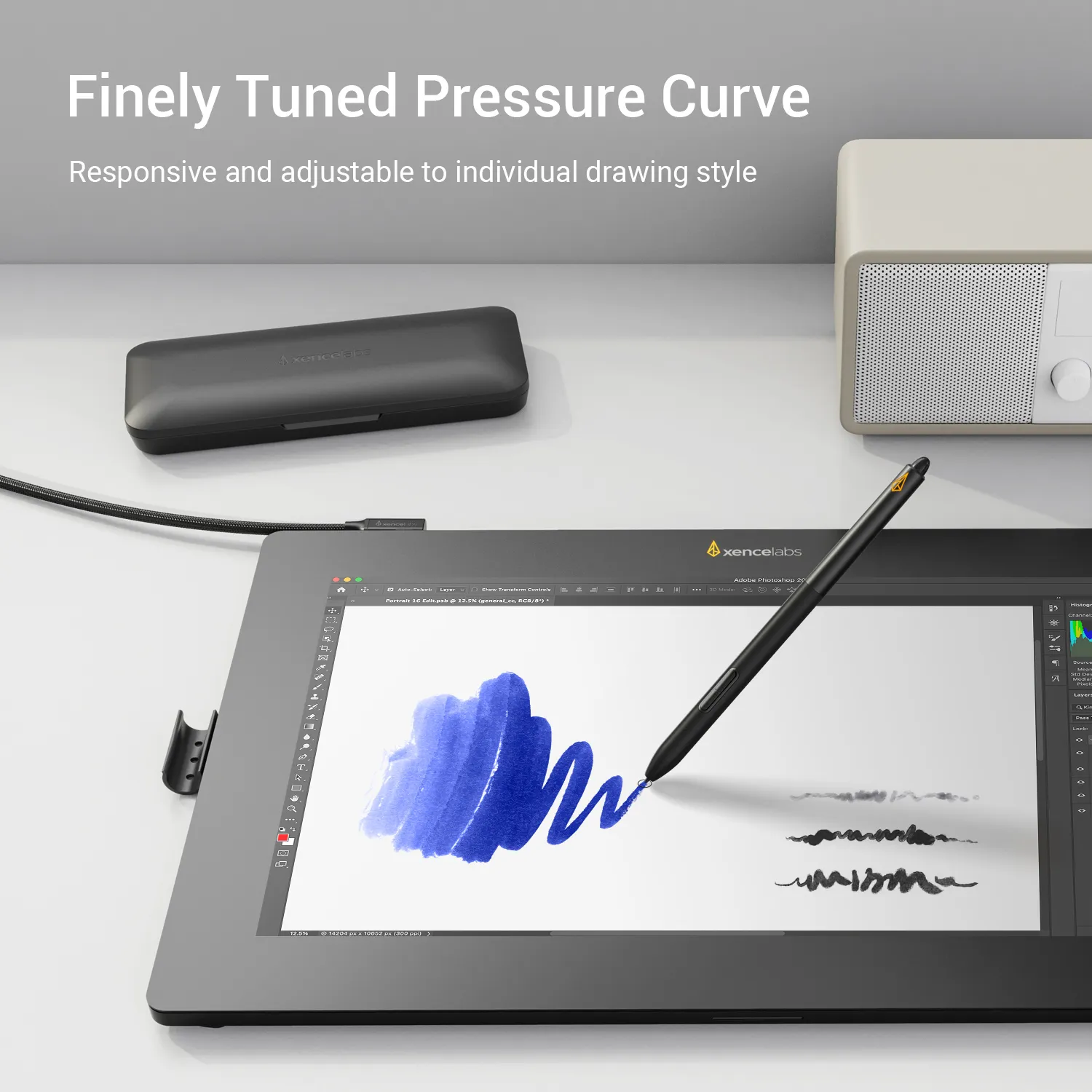
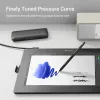
Finely Tuned Pressure Curve
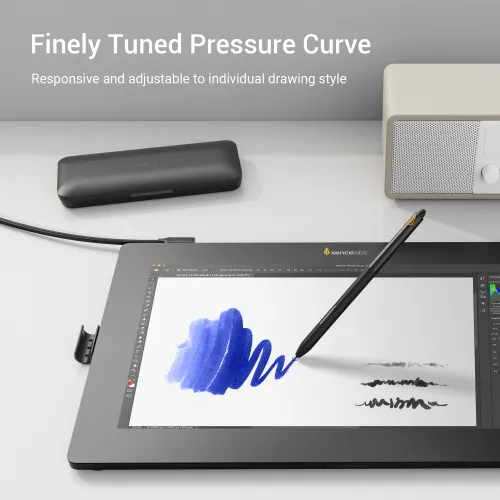
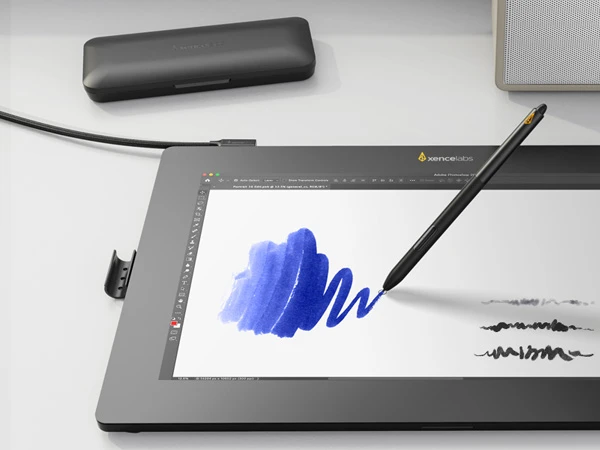
The pressure curve has an initial activation force of 3g and ranges to 500g. This allows for delicate strokes as well as strong, bold lines and everything in between. Thanks to a panel of artists who provided pressure data, the pressure curve has been meticulously tuned, and pen response is adjustable to match any drawing style. Whether heavy or light handed, the pen provides control, sensitivity, and precision.
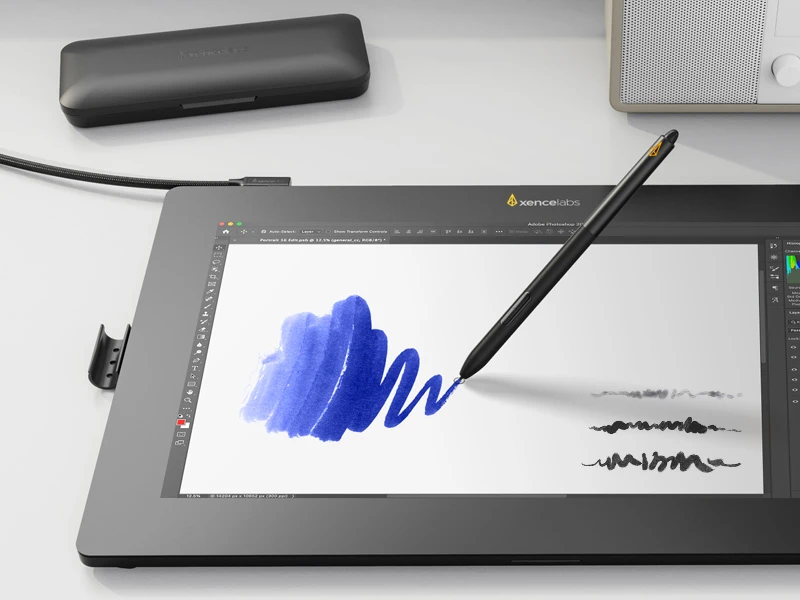
Smooth Drawing Experience
The Pen Display 16 provides beautiful pen control thanks to its etched surface texture, thanks to Xencelabs' Super AG Etching Display. This allows the hand to glide smoothly across the screen, and the friction of the pen nib against the screen provides a traditional pen-and-paper-like drawing experience.
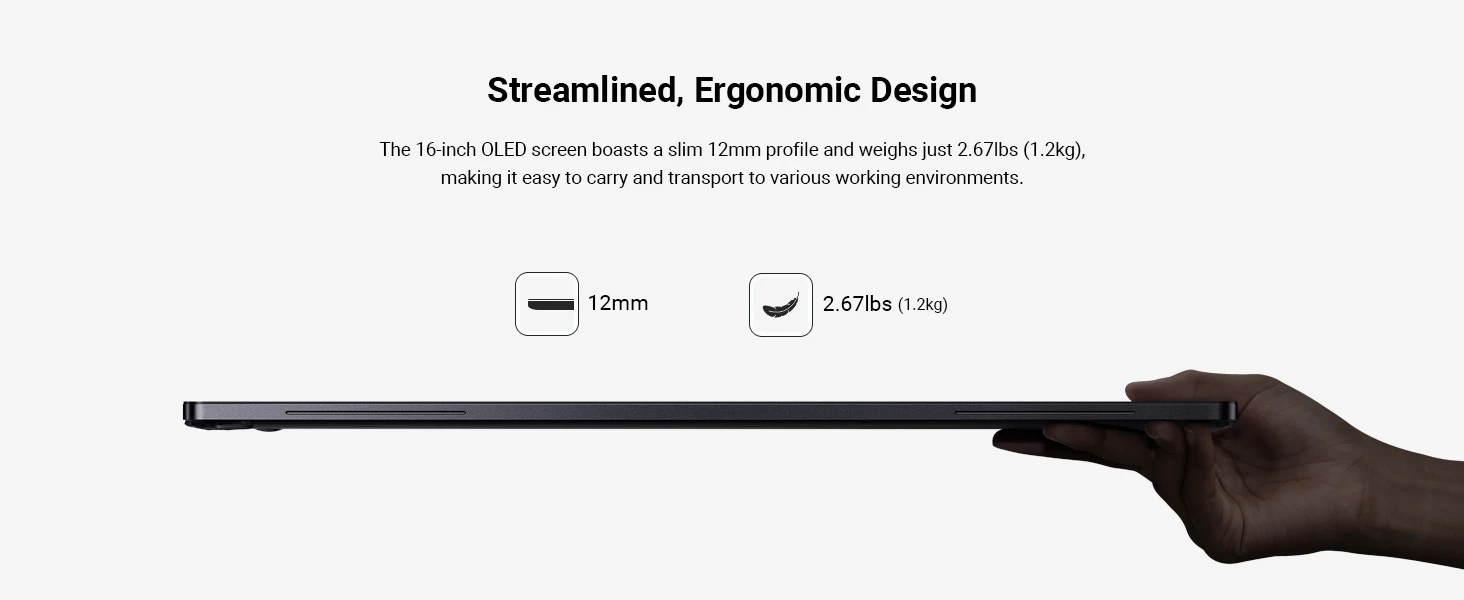
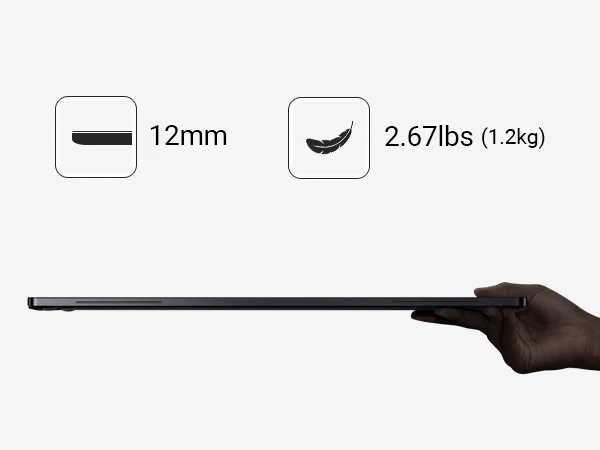
Streamlined, Ergonomic Design
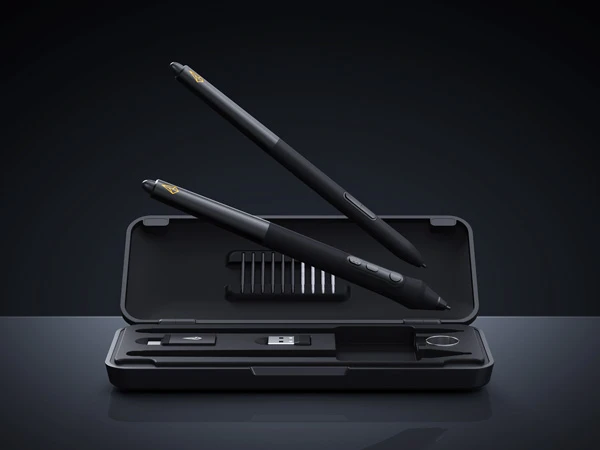
Two Pens with Case
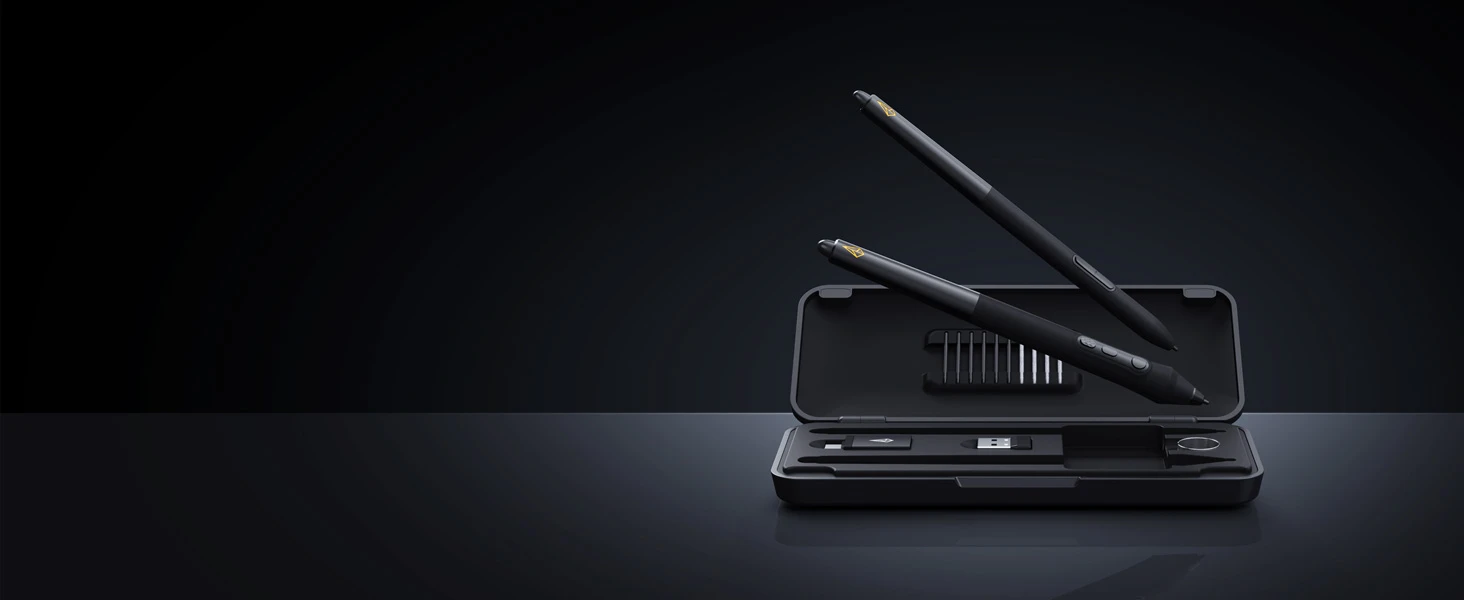
Different pen sizes are catered to individual preferences. Both have a built-in eraser and can be assigned to separate settings per application.
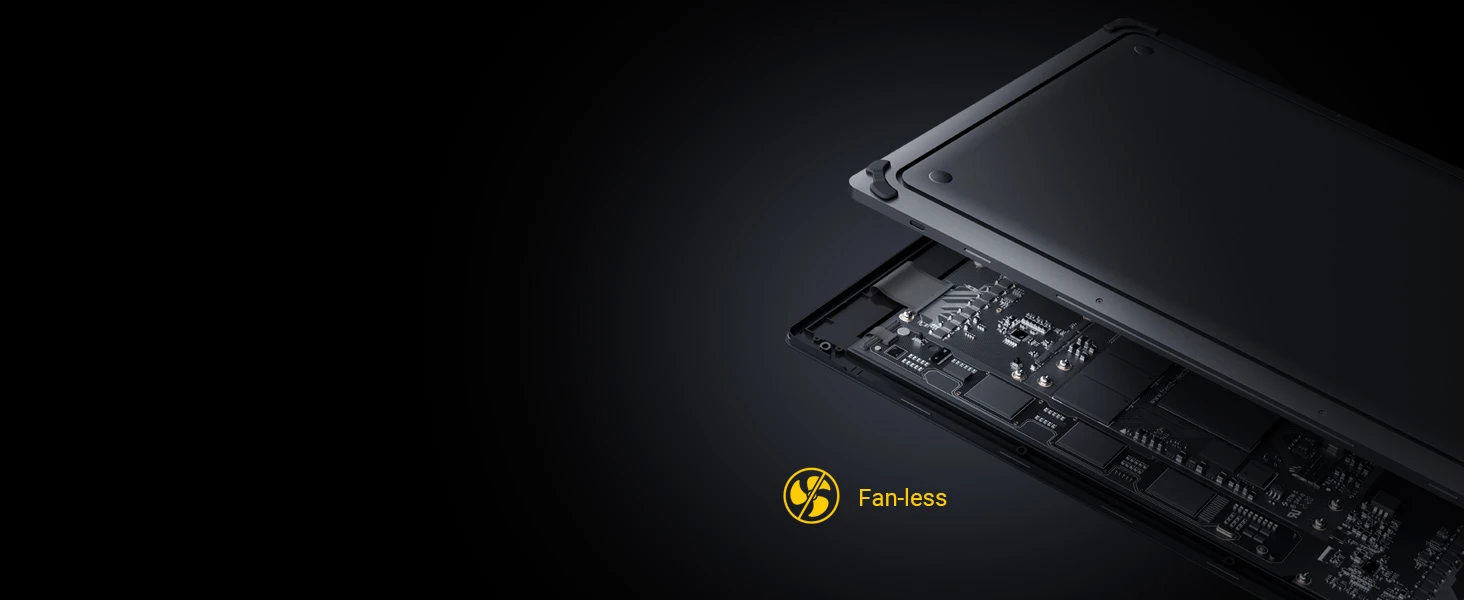
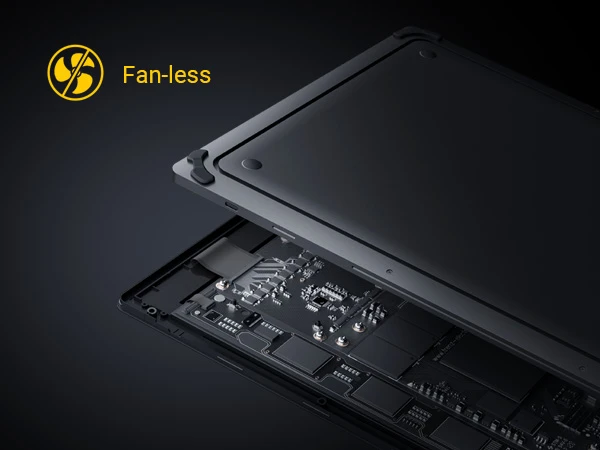
Silence is Golden
Aluminum back housing ensures rapid heat dissipation without the need of fans, preventing overheating and allowing for more comfortable creation.
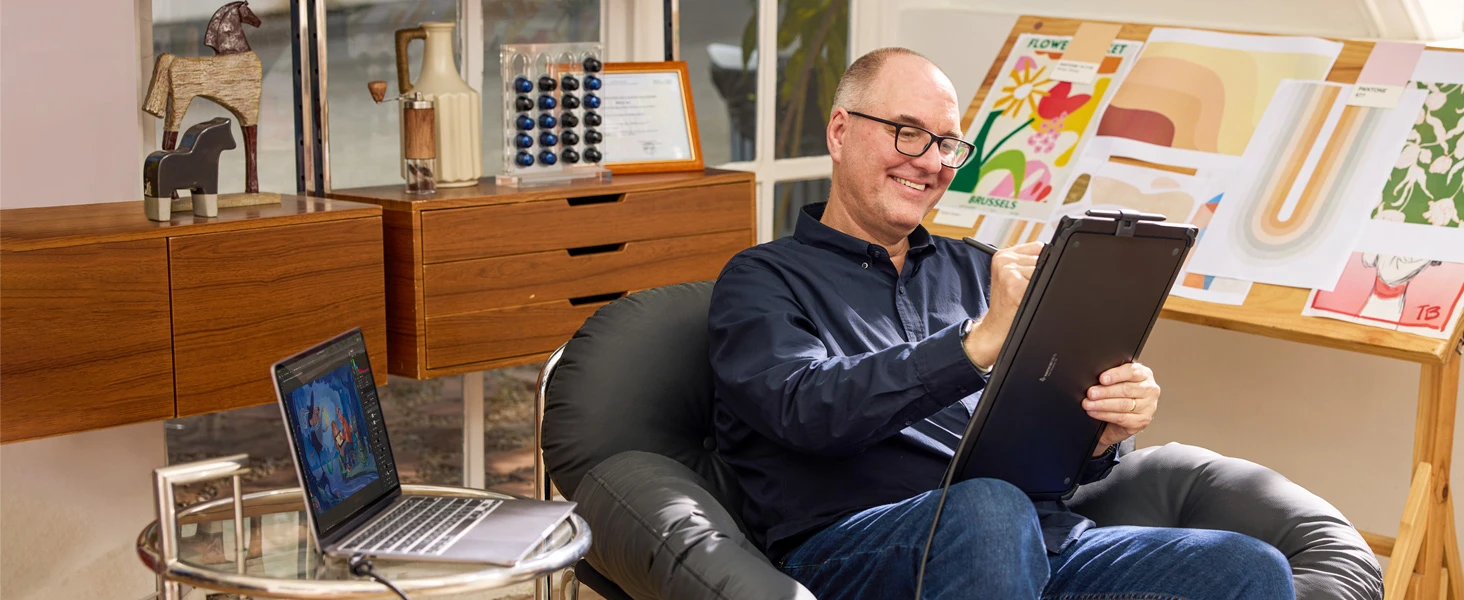
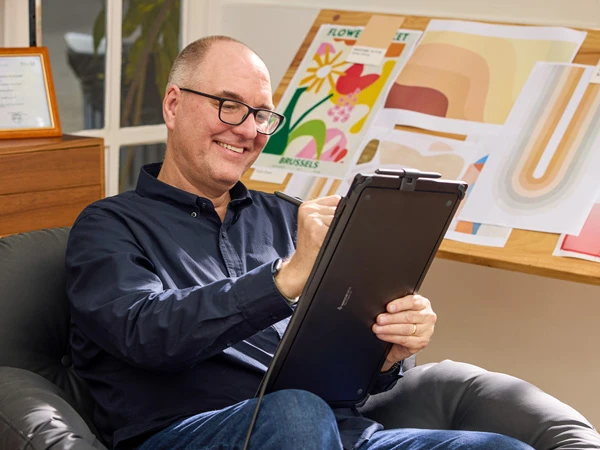
Symmetrical Design
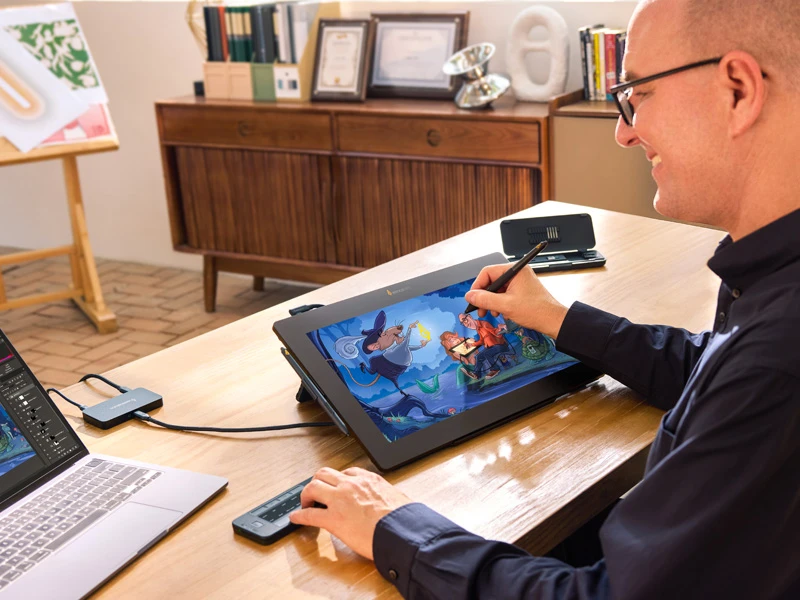
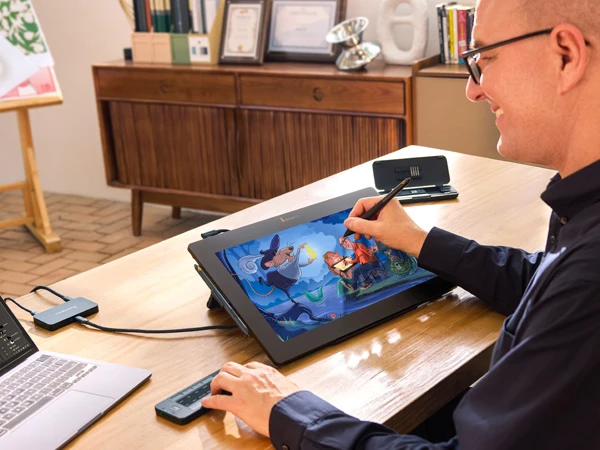
The symmetrical, streamlined, and ergonomic design of the Pen Display 16 allows for landscape and portrait modes, accommodating various working setups and formats.
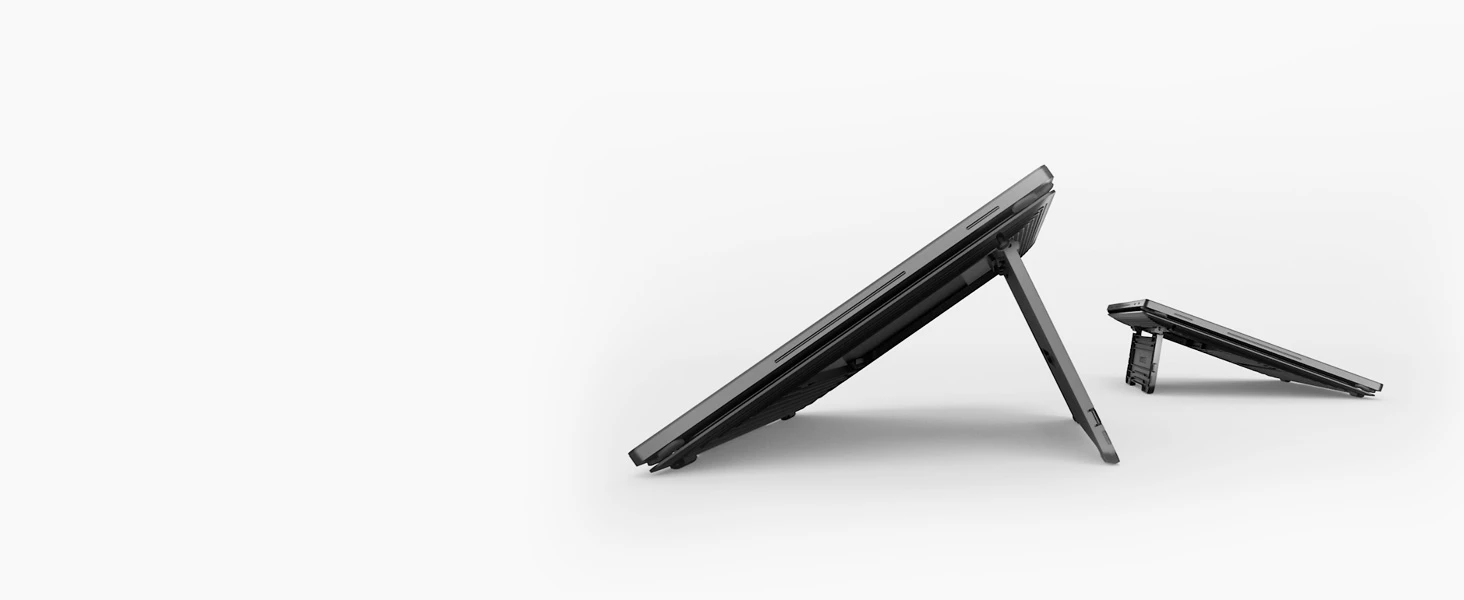
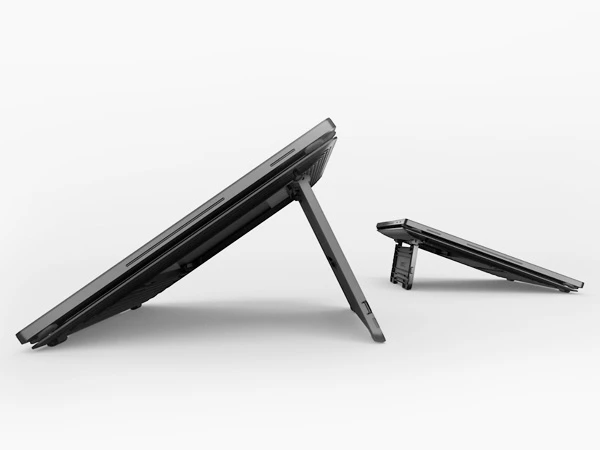
Comfortable at Different Angles
Mobile Easel has tilt angles of 18° and 32°, making it easy to suit different drawing positions for consistently easy viewing.
Adaptable to Artist Preferences
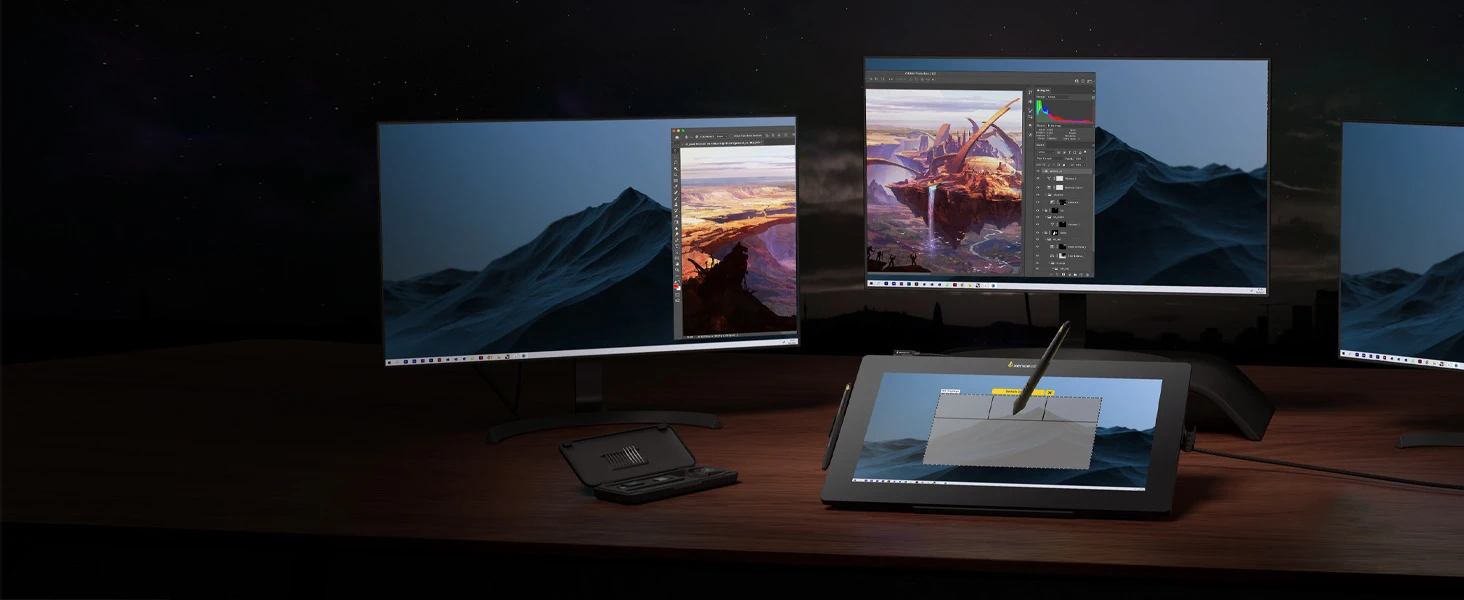
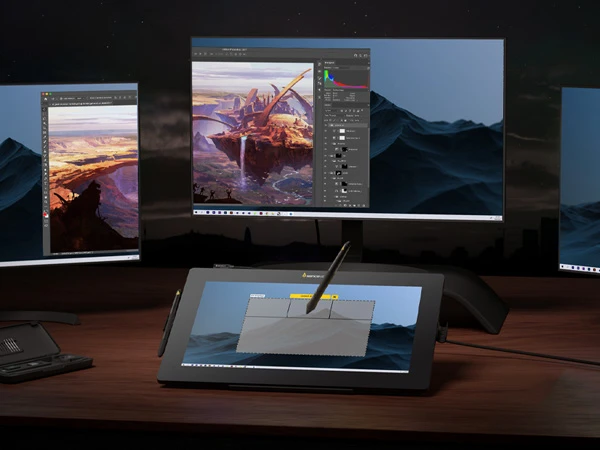
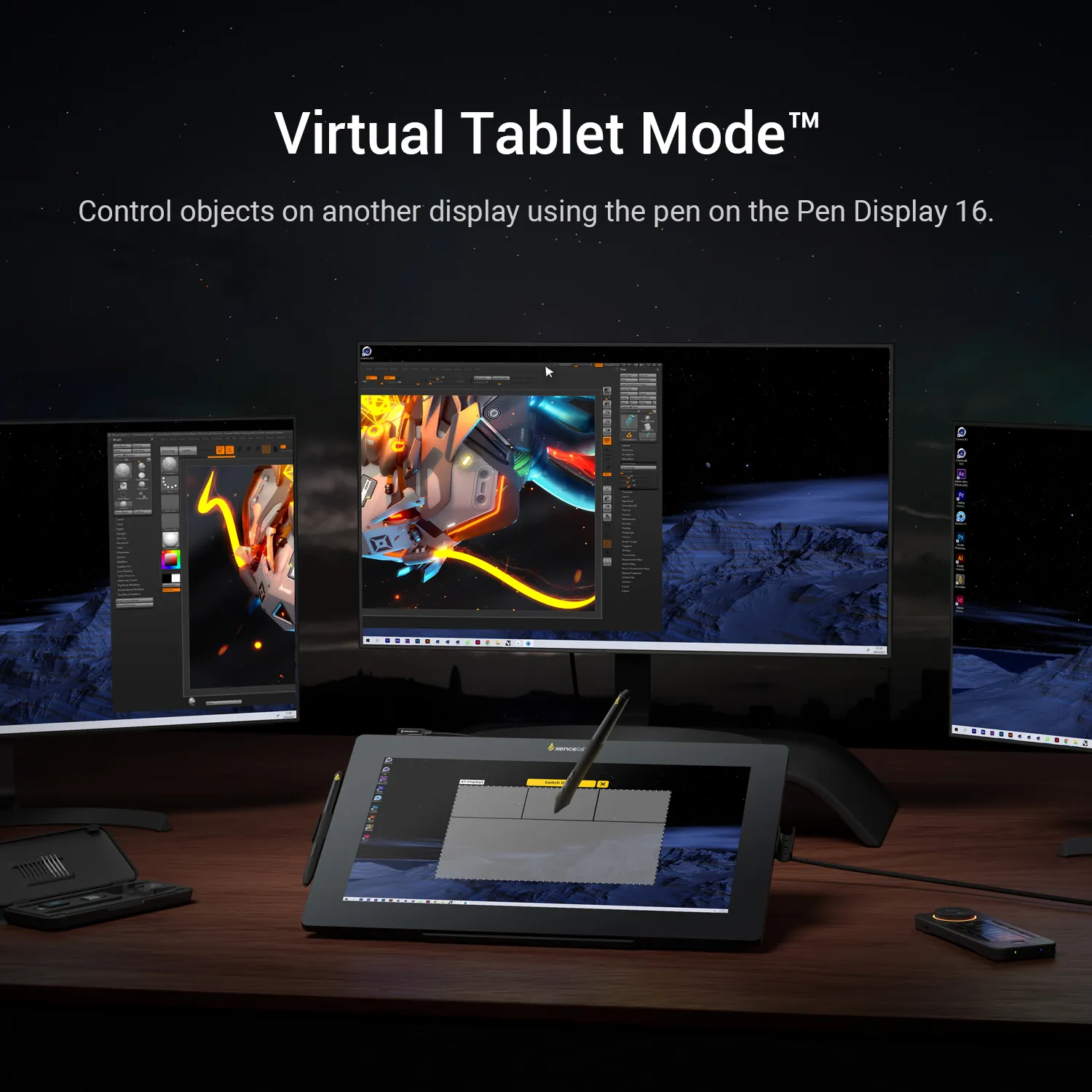
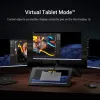
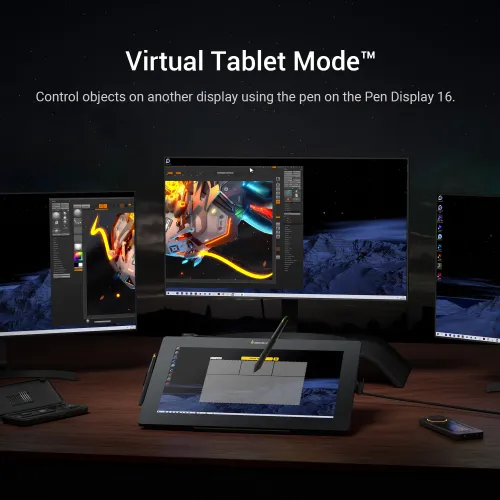
Virtual Tablet Mode
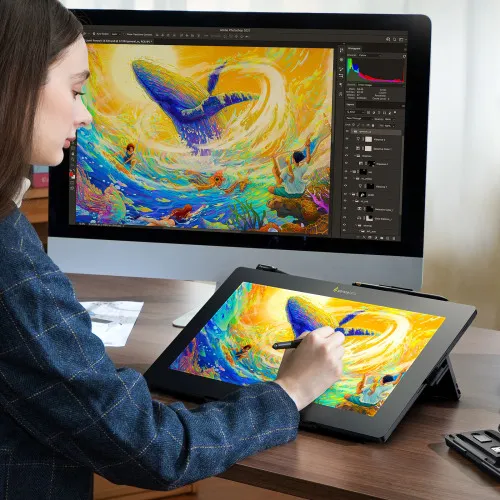
Virtual Tablet Mode allows creatives to use the Xencelabs Pen and Pen Display 16 to select and control objects on another display.
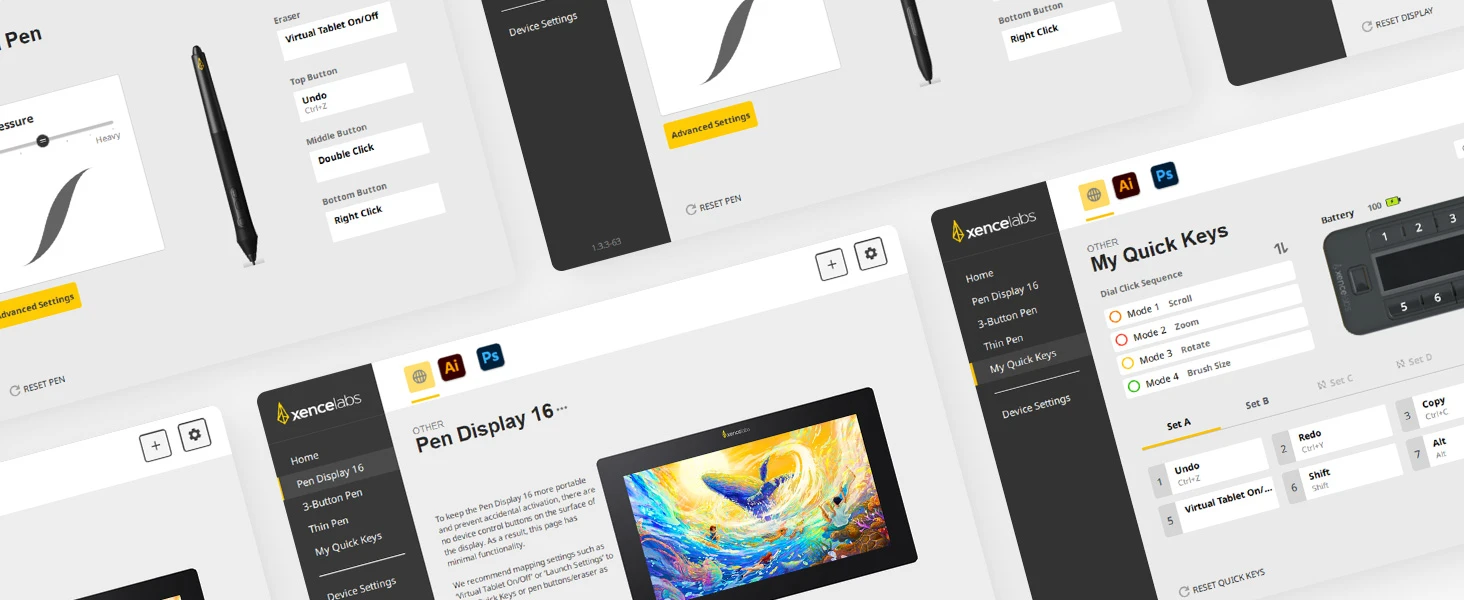
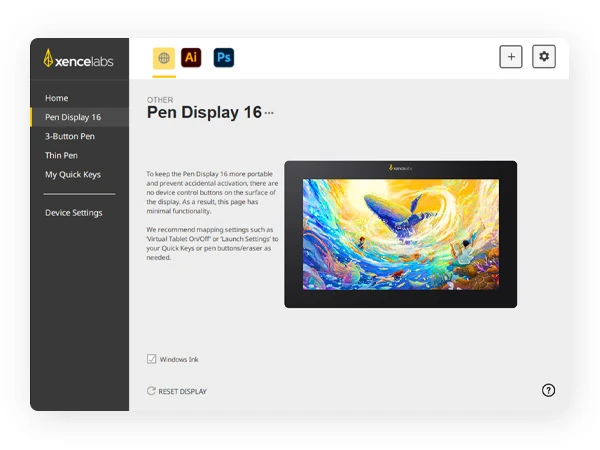
Simple, Clear Driver Interface
The Xencelabs driver is modern and intuitive. The settings panel makes it easy to customize more. With regular updates, it always feels up-to-date and reliable.
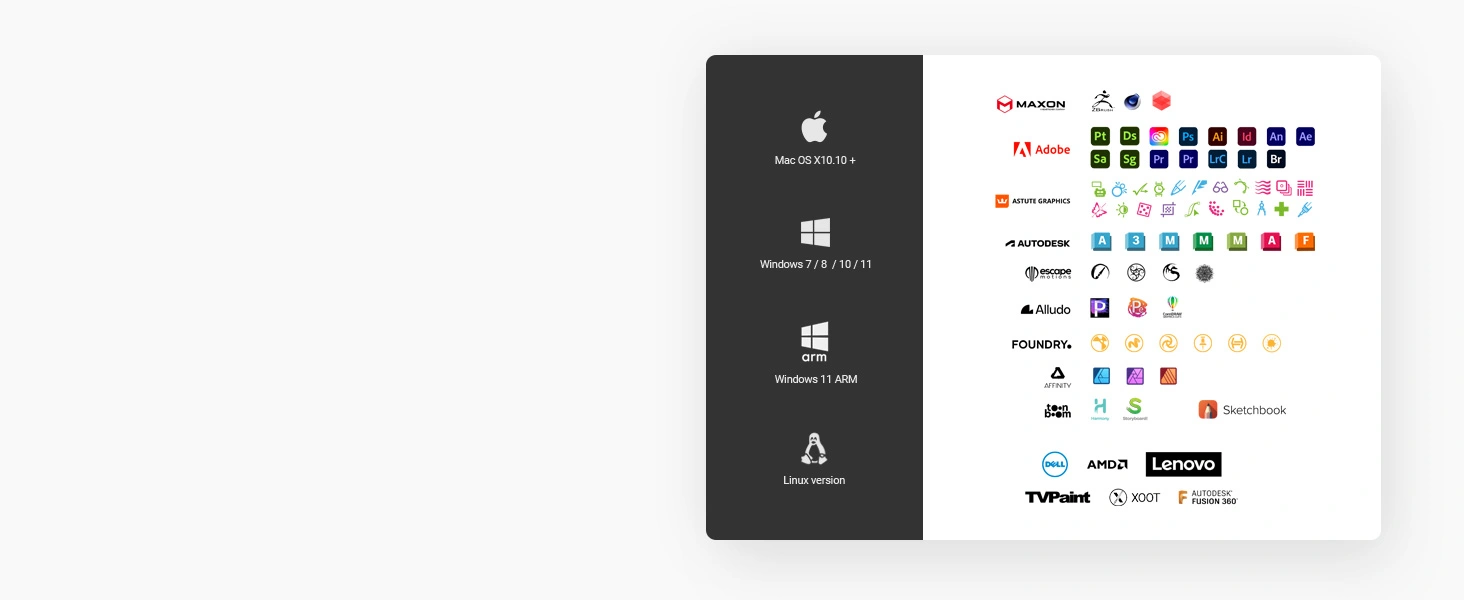
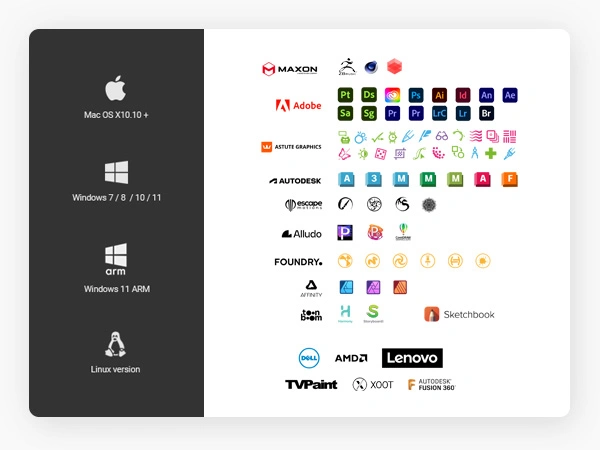
Highly Compatible & Adaptable
Highly compatible with the devices you need it to. It supports Windows 7 or later, Windows 11 ARM, Mac OS X 10.13 or later, and Linux. It also supports a variety of different software applications.
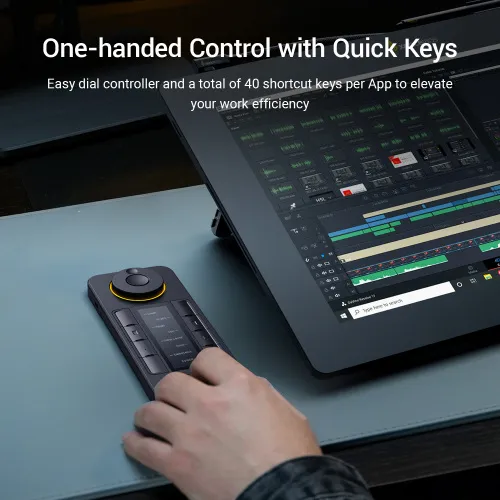
Xencelabs Quick Keys
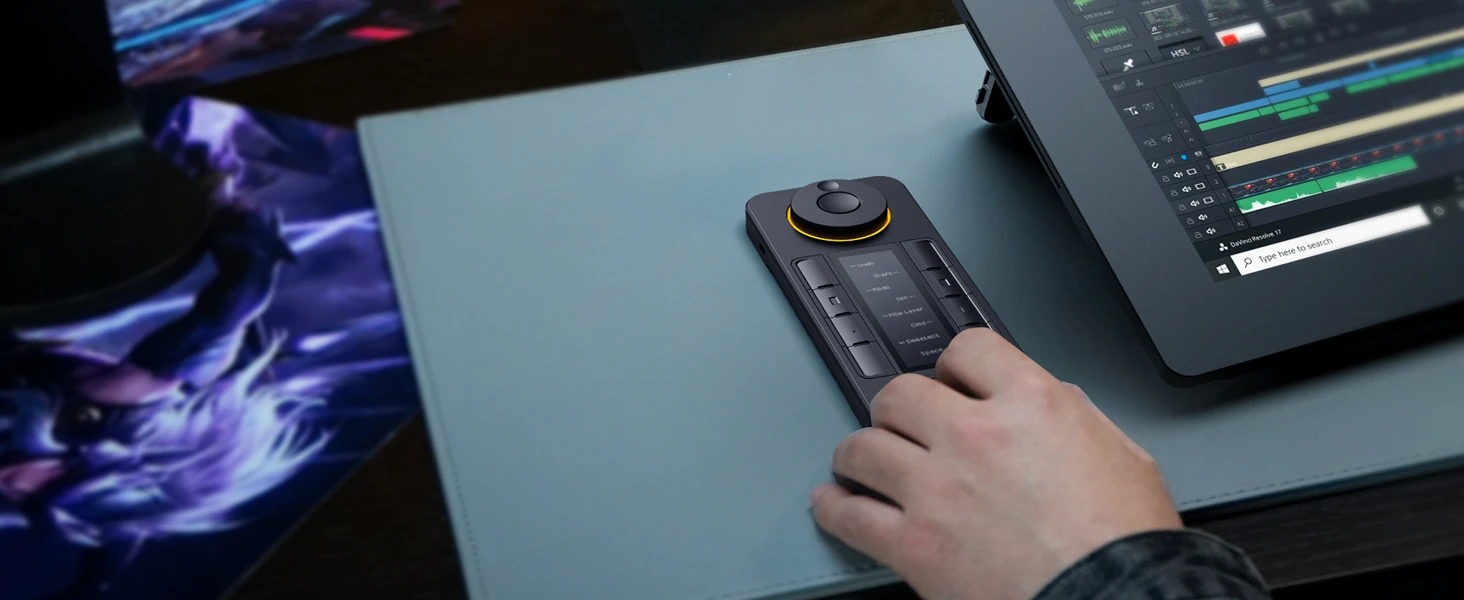
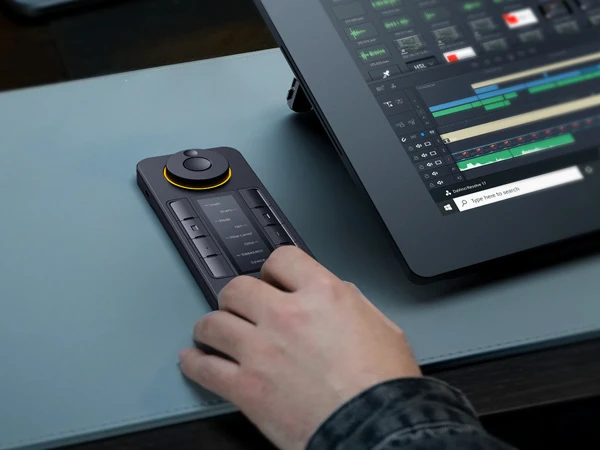
Benefits of Quick Keys
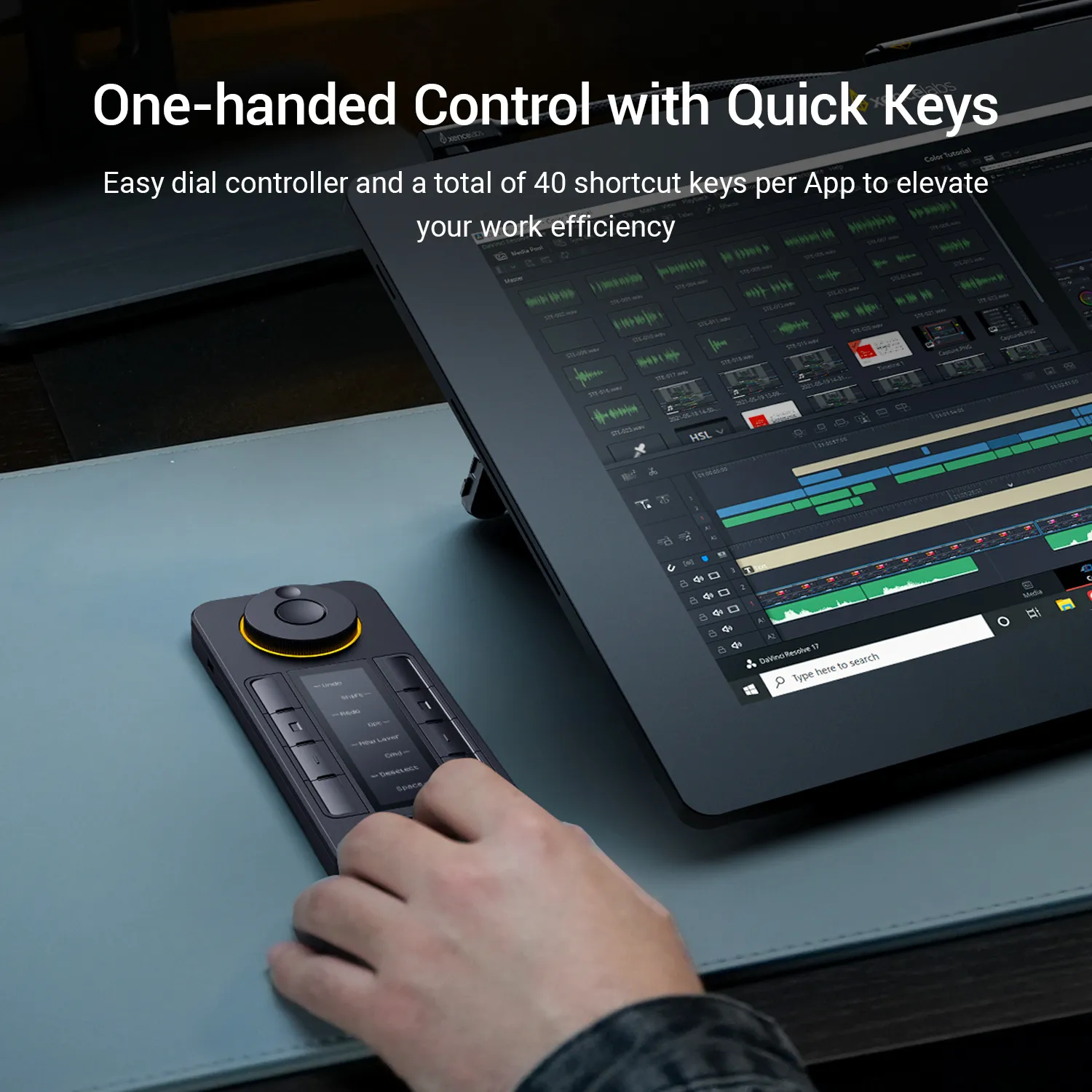
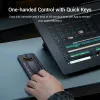
Left-handed or right-handed, wireless or wired, the Quick Keys will optimize your workflow through an easy-to-use interface.
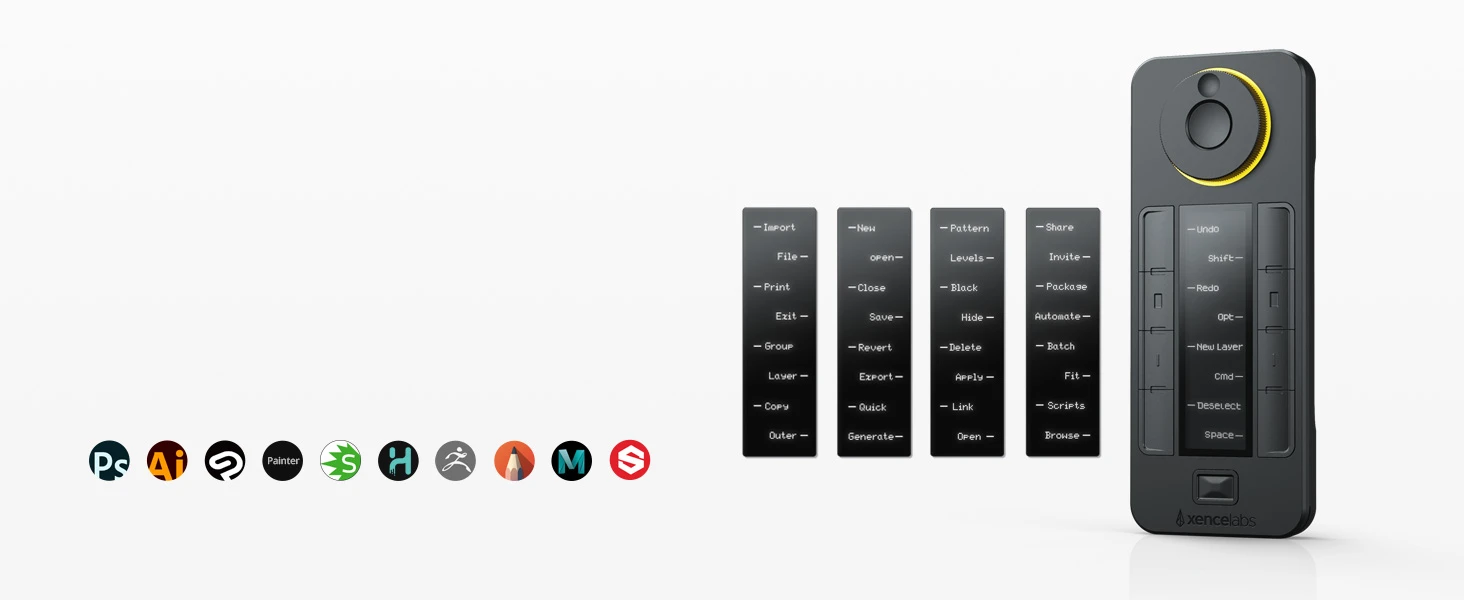
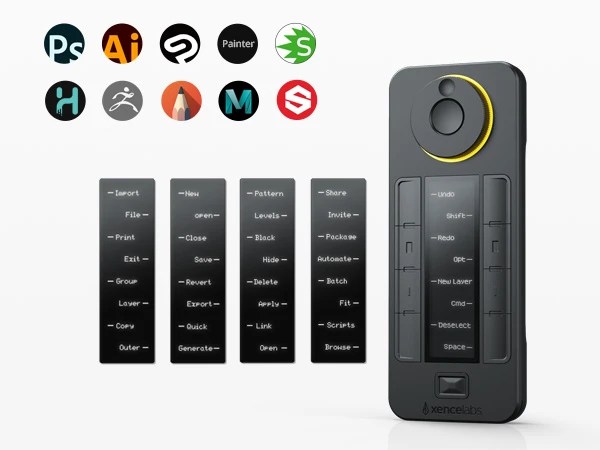
Up to 40 Programmable Functions Per Application
8 customizable shortcut keys with the ability to incorporate up to 5 grouped settings for a total of 40 shortcuts per app. Use “Set” button to toggle between shortcut groups within an application.
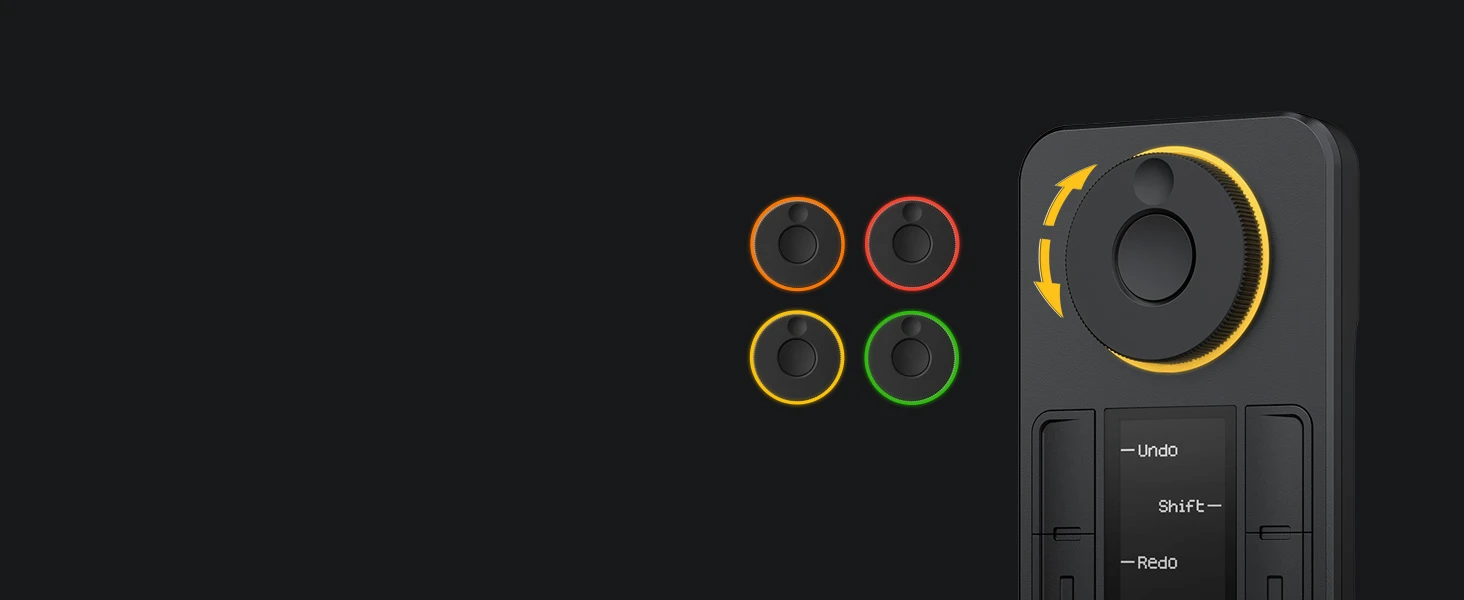
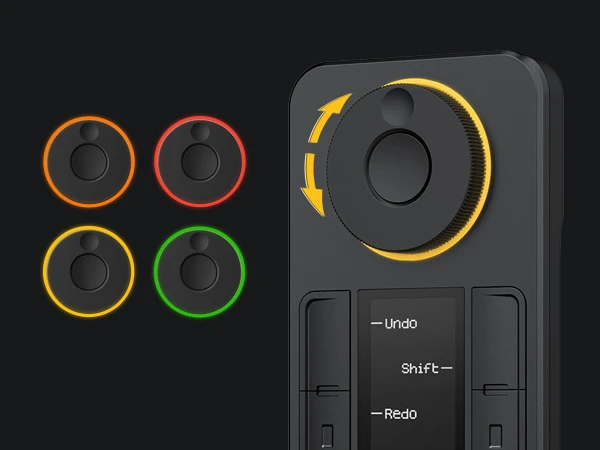
Physical Dial for Precise Control
The customizable physical dial lets the user dial in fine and accurate details, delivering up to 4 application-specific functions. Different LED colors can help you remember different functions.
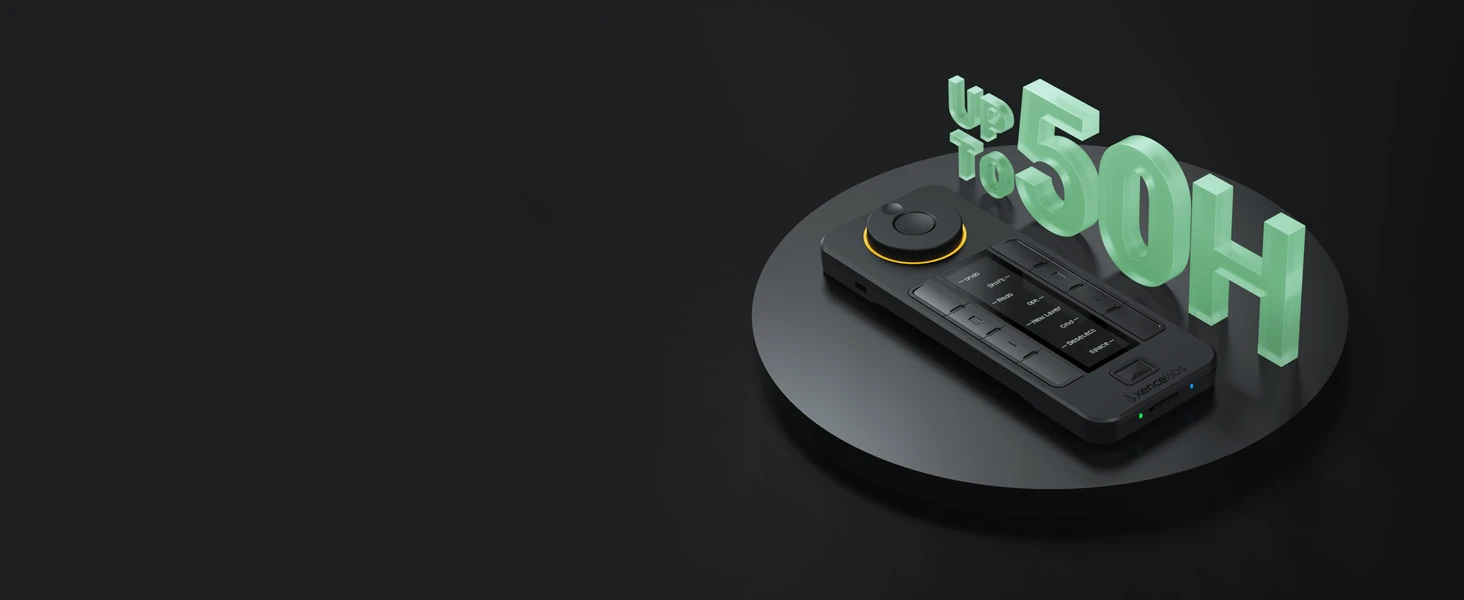
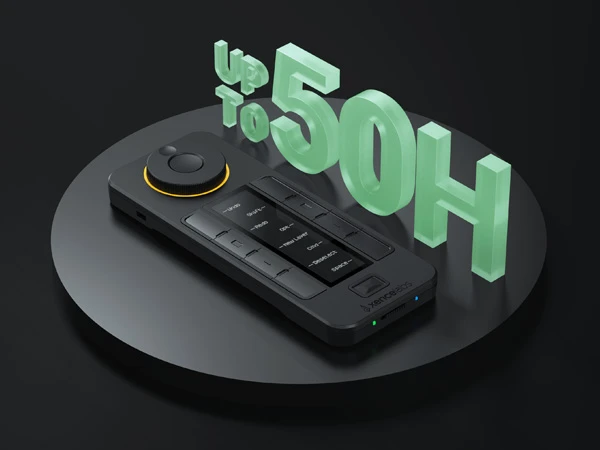
Long-Lasting Battery Life
Quick Keys only takes 1.5 hours to charge for all-week usage up to 50 hours fully. Convenient for working on going.
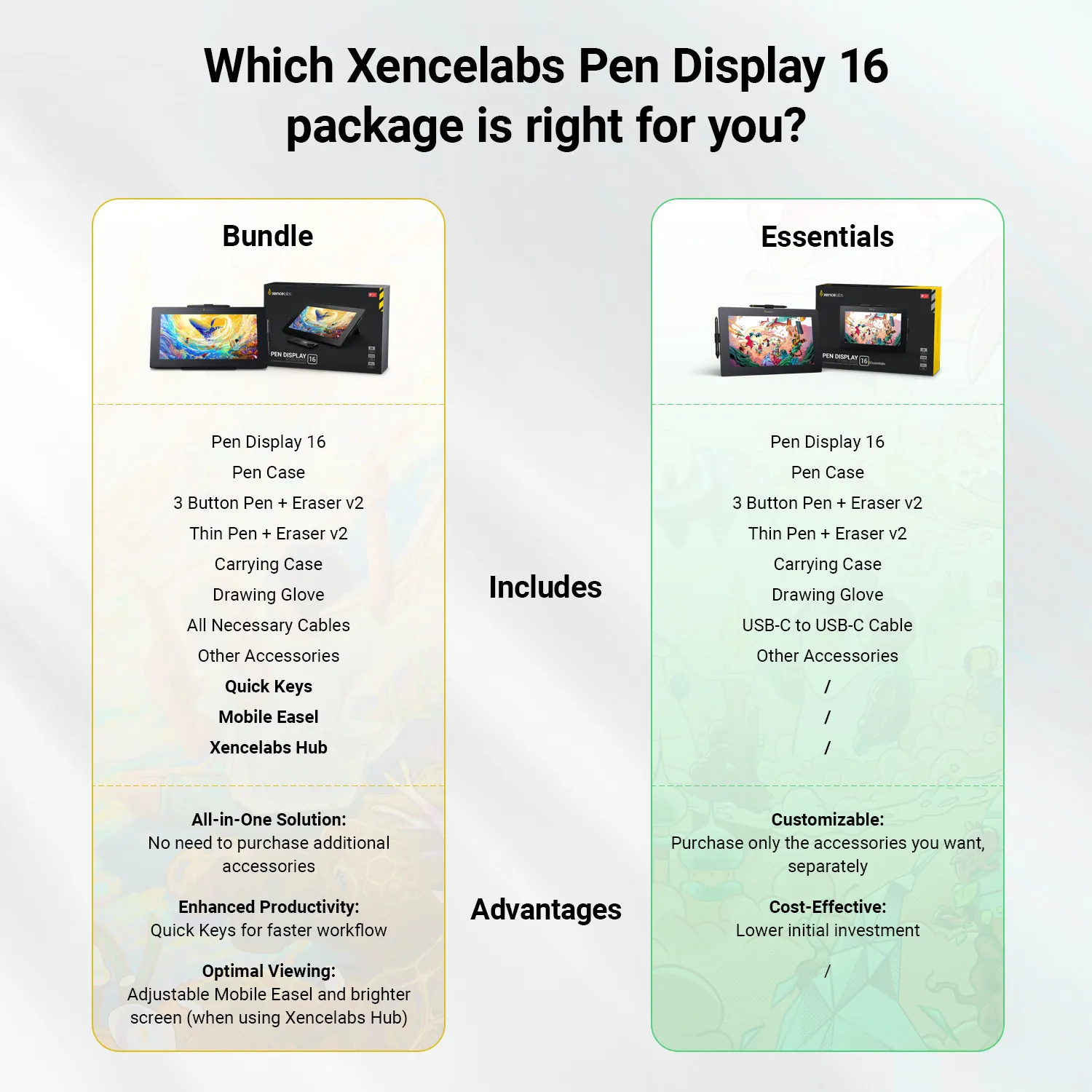
What's in the Box
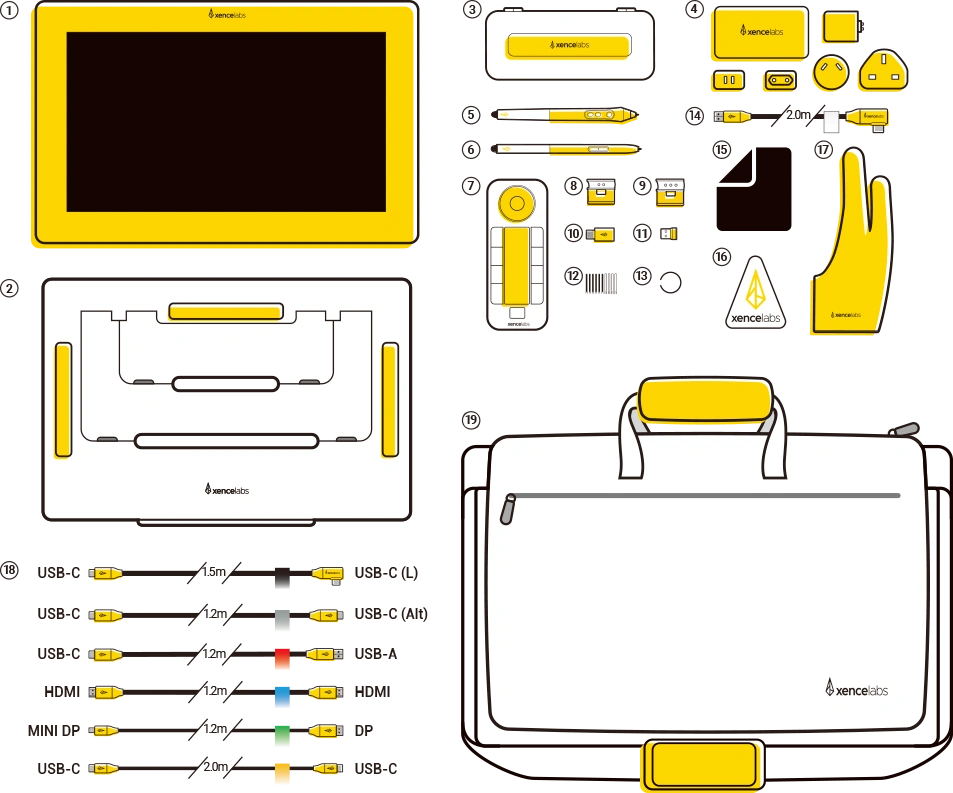
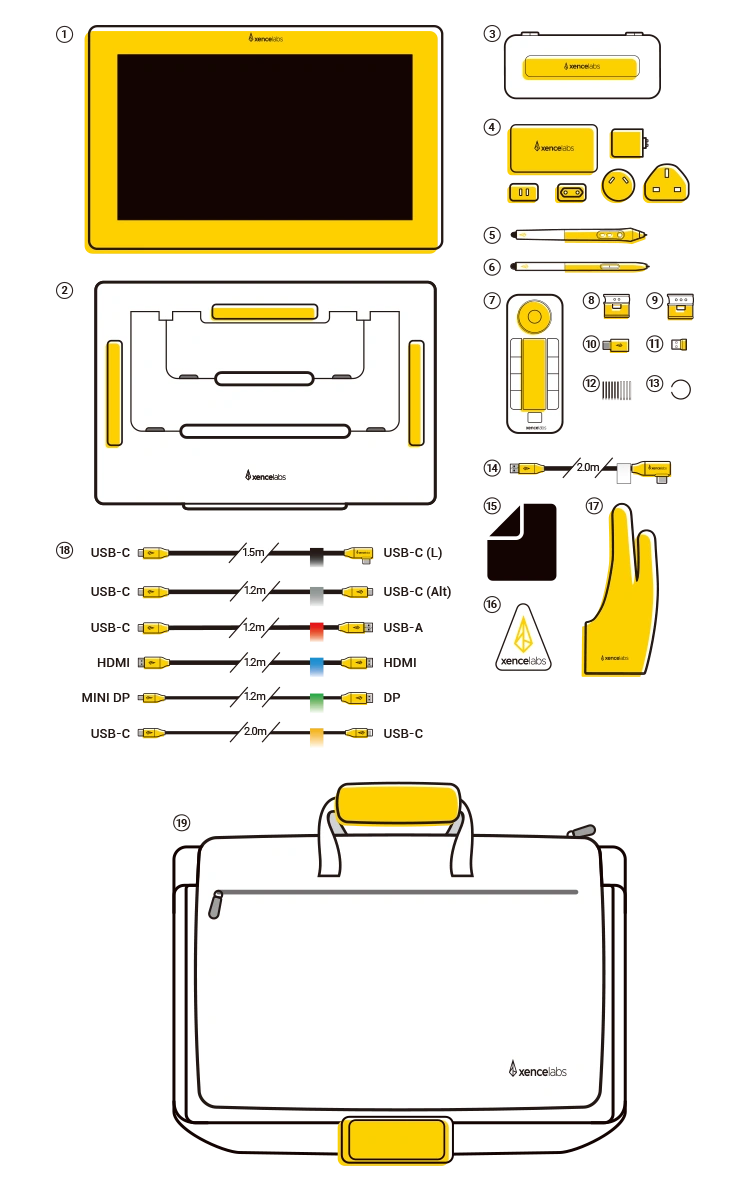
Pen Display 16
Mobile Easel
Pen Case
Power Adapter and Hub
3 Button Pen + Eraser v2
Thin Pen + Eraser v2
Quick Keys
Thin Pen Clip
3 Button Pen Clip
Adapter (USB-A to USB-C)
Thin Pen Clip
3 Button Pen Clip
Adapter (USB-A to USB-C)
Wireless Dongle
Nibs (6 Standard, 4 Felt)
Nib Extractor
USB-A to USB- C cable
Wireless Dongle
Nibs (6 Standard, 4 Felt)
Nib Extractor
USB-A to USB- C cable
Cleaning Cloth
Sticker
Glove (M)
Included Cables
Carrying Case
Built for portability and performance, the Xencelabs Pen Display 16 Bundle features a 16-inch 4K OLED pen display with 10-bit color. This portable drawing monitor comes with Quick Keys, a Mobile Easel, and a hub, giving creatives a streamlined workflow in one package.
Key Benefits:
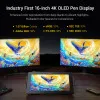
16" 4K OLED Display: Industry-first 16-inch 4K OLED screen delivers 1.07 billion colors with deep blacks and vibrant highlights for a true-to-life creative experience.
Factory Calibrated Color Accuracy: Preloaded with five factory calibrated, industry-standard color spaces — Adobe RGB 98%, P3-D65 98%, sRGB 99%, Rec.709 99%, and Rec.2020 82% — so you can trust what you see without extra calibration.
Two Stylus Pens: Includes both the 3 Button Pen v2 and Thin Pen v2, each with an eraser and customizable settings per application. Perfect for different grip preferences and workflows.
Finely Tuned Pressure Curve: With an activation force as low as 3g and range up to 500g, the pen captures delicate strokes through bold lines. Pressure response is fully adjustable to match your drawing style.
Super AG Etching™ Surface: Specially designed etched glass reduces glare and reflections, providing clarity in bright environments and a natural pen-on-paper feel.
Optically Bonded Screen: The laminated screen eliminates parallax and the distracting “sparkle” effect, delivering a sharp, clear, and comfortable viewing experience.
Portable Design with Protective Case: Slim, lightweight, and travel-ready. The included carrying case securely holds the Pen Display 16, accessories, and most laptops, making it easy to create anywhere.
Single Cable Connectivity: Connect with one USB-C (Alt Mode) cable for a clutter-free setup and 15W power delivery. For systems without USB-C, the included hub supports HDMI and DisplayPort, boosting brightness up to 300 cd/m².
Productivity Quick Keys: Boost efficiency with the included Xencelabs Quick Keys remote featuring an OLED display, physical dial, and up to 44 customizable shortcuts per application.
Virtual Tablet Mode™: Use the Pen Display 16 and Xencelabs Pen to directly control and interact with objects on another display, giving you a seamless extension of your creative workspace.
Adjustable Mobile Easel: The included Xencelabs Mobile Easel offers 18° and 32° tilt angles, letting you choose the most comfortable drawing position for long creative sessions.
System Requirements:
• Windows 11 ARM; Windows® 7 or later (latest service pack/build)
• macOS X 10.13 or later (latest update)
• Linux
(Internet access for driver download)
Hardware Requirements:
• USB-C port with DisplayPort Alternate Mode (UHD)
• DisplayPort (UHD) and USB-C/USB-A
• HDMI (UHD) and USB-C/USB-A
| Linux OS | Version | Package Format | Supported Software |
| Arch | Arch Linux2019.12.01(64-bit) | .deb, .sh | GIMP, Krita |
| Centos | Centos7.0(64-bit) | .rpm, .sh | GIMP |
| Centos8(64-bit) | .rpm, .sh | GIMP, Krita | |
| Debian | debian-9.5.0-amd64-netinst(64-bit) | .deb, .sh | GIMP, Krita |
| elementary OS | elementary OS 5.0(64-bit) | .deb, .sh | GIMP, Krita |
| ezgo Linux | ezgo14(64-bit) | .deb, .sh | GIMP, Krita |
| Fedora | Fedora32(64-bit) | .rpm, .sh | GIMP, Krita |
| Mageia | Mageia-7.1(64-bit) | .rpm, .sh | GIMP, Krita |
| Manjaro | manjaro-xfce-20.1.2-201019(64-bit) | .deb, .sh | GIMP |
| Mint | linuxmint-18.2-cinnamon-64bit | .deb, .sh | GIMP, Krita |
| OpenSUSE | openSUSE-Tumbleweed(64-bit) | .rpm, .sh | GIMP, Krita |
| Pop!_OS | pop-os_19.10(64-bit) | .deb, .sh | GIMP, Krita |
| Red Hat | Red Hat7(64-bit) | .rpm, .sh | GIMP |
| Ubuntu | Ubuntu14.04(64-bit) | .deb, .sh | GIMP, Krita |
| Ubuntu16.04(64-bit) | .deb, .sh | GIMP, Krita | |
| Ubuntu17.04(64-bit) | .deb, .sh | GIMP, Krita | |
| Ubuntu18.04(64-bit) | .deb, .sh | GIMP, Krita | |
| Ubuntu19.04(64-bit) | .deb, .sh | GIMP, Krita | |
| Ubuntu20.04(64-bit) | .deb, .sh | GIMP, Krita |
| Function | Krita 4.3.0 | Gimp 2.10.20 | Inkscape 0.92 |
| Pen Pressure Sensitivity | |||
| Tilt | |||
| Mouse Function | |||
| Eraser Button (Stylus:PH01, P06) | |||
| Switch between Pen and Eraser Modes | |||
| *If you have any further queries, please do not hesitate to contact us at service@xp-pen.com. | |||
Linux OS
Centos8(64-bit)
.rpm, .sh
GIMP, Krita
Ubuntu16.04(64-bit)
Ubuntu17.04(64-bit)
Ubuntu18.04(64-bit)
Ubuntu19.04(64-bit)
Ubuntu20.04(64-bit)
.deb, .sh
.deb, .sh
.deb, .sh
.deb, .sh
.deb, .sh
GIMP, Krita
GIMP, Krita
GIMP, Krita
GIMP, Krita
GIMP, Krita
Function
*If you have any further queries, please do not hesitate to contact us at service@xp-pen.com.
 No consulting